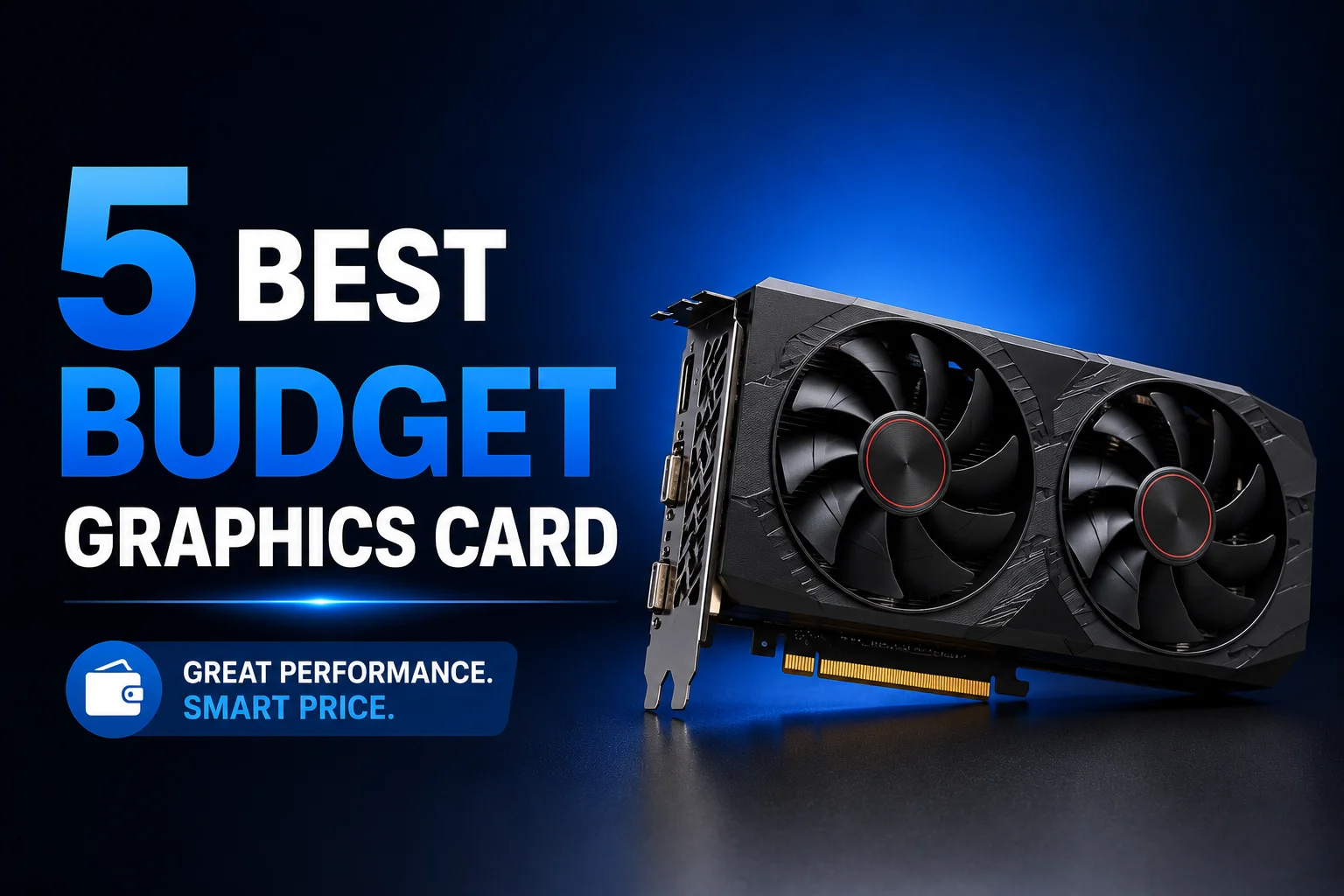
5 Best Budget Graphics Cards for Smooth Desktop Performance

A graphics card is no longer just for gaming. In today’s AI-driven world, it helps speed up everyday tasks, from AI-powered photo editing and content creation to smoother multitasking and better video performance. Even if you’re not using advanced AI tools, a dedicated GPU can make your PC feel faster and more responsive than relying on integrated graphics alone. The good news is that you don’t need to spend a fortune to get those benefits.
We’ve selected five budget-friendly cards that balance price and modern performance, helping you upgrade your setup without the guesswork. Want more options? Our full Graphics Card page has plenty to browse. This guide is just here to give you a clear starting point, no confusing terms, no guesswork.
Manli GeForce RTX 3050 6GB Nebula Twin V2 — Best Ultra-Budget Pick
- VRAM: 6GB GDDR6
- Memory Bus: 96-bit
- Power Consumption: 70W
- Display Outputs: 3x DisplayPort, 1x HDMI, 1x DVI-D
This card is a solid step up from integrated graphics and punches above what you’d expect for the price. Built on NVIDIA’s Ampere architecture, the RTX 3050 can handle popular 1080p games like – think Fortnite, Valorant, Rocket League, and even modern games like Call of Duty: Modern Warfare II or Resident Evil Village at medium to high settings with playable frame rates. Plus, it’s capable of light video editing and GPU-accelerated tasks in apps like Premiere Pro or DaVinci Resolve for short projects. Its 6GB of GDDR6 VRAM and efficient 70W draw mean you get noticeably smoother desktop performance and faster media workflows without needing a new power supply. For someone upgrading an older PC, it’s an easy install that gives a real, practical boost in everyday use and casual gaming.
| Pros | Cons |
| Barely uses any power, works with most PSUs already in your PC | Not built for heavier creative work like 3D rendering or video export |
| Twin fans keep it cool during long sessions of any kind | |
| Handles everyday tasks and light gaming without stutter | |
| Setup takes minutes, nothing complicated |
Best Thing: You can drop this into an old PC and it’ll just work, no need to touch your power supply.
PowerColor Fighter RX 7600 8GB — Best Last-Gen Budget AMD Card
- VRAM: 8GB GDDR6
- Memory Bus: 128-bit
- Power Consumption: 165W
- Display Outputs: 1x HDMI 2.1, 3x DisplayPort
If AMD is more your thing, this one’s worth a look. It’s not the newest chip out there, but that’s exactly why it’s cheaper than AMD’s latest cards while still handling everyday computing and gaming really well. Built on RDNA 3 with 32 Compute Units and 8GB of memory, it can run popular AAA games like Cyberpunk 2077, Red Dead Redemption 2, and Call of Duty smoothly at 1080p on high settings, while also holding up well in tougher jobs like light video editing and multitasking. The dual fans with heatpipes touching the GPU directly do a good job keeping temps down, even during long use. Basically, you’re getting a proven chip at a friendlier price.
| Pros | Cons |
| Handles daily tasks and 1080p gaming comfortably, no drama | Older batches skip DisplayPort 2.1 |
| 32 Compute Units are more than enough for regular use | Draws a bit more power than the entry-level options here |
| Cooling holds up well during long sessions | |
| Cheaper than AMD’s newer cards, same solid performance |
Best Thing: It’s a well-tested chip that costs less simply because it’s not brand new, and that’s a good trade if your needs are everyday and 1080p.
Manli Nebula GeForce RTX 5050 8GB — Budget 1080p Gaming Champion
- VRAM: 8GB GDDR6
- Memory Bus: 128-bit
- Power Consumption: 130W
- Display Outputs: 3x DisplayPort, 1x HDMI
This one sits right in the middle, and honestly, that’s where most buyers might be looking. It packs 8GB of GDDR6 memory and 2560 CUDA cores, enough to handle popular applications like Adobe Photoshop, Premiere Pro, DaVinci Resolve, and Blender while also delivering smooth gaming performance. It’s a great choice for 1080p gaming and can even handle entry-level 1440p gaming in many modern titles with the right settings. The real win here is DLSS 4, which uses AI to boost performance in supported games without making the picture look worse. You won’t even hear it running most of the time, since the fans shut off completely when the card isn’t under load. If you want something that just works well for daily computing and gaming both, this is it.
| Pros | Cons |
| DLSS 4 gives you extra frames in supported games without hurting image quality | Relies heavily on DLSS 4 frame generation to achieve high framerates |
| 2560 CUDA cores handle everyday software and light creative work well | |
| Fans switch off at idle, so it’s silent when you’re not gaming | |
| Metal backplate adds some extra durability |
Best Thing: DLSS 4 alone makes this card feel more capable than its price tag suggests.
Read More: 5 Best Graphics Cards for Gaming
Manli Nebula GeForce RTX 5060 8GB GDDR7 — Best for Heavier Workloads and 1440p
- VRAM: 8GB GDDR7
- Memory Bus: 128-bit
- Power Consumption: 145W
- Display Outputs: 3x DisplayPort, 1x HDMI
If you want a budget-friendly setup that can comfortably push past standard 1080p limitations, this card is your sweet spot It uses newer, faster GDDR7 memory and jumps up to 3840 CUDA cores, a real step above the RTX 5050. DLSS 4 comes along here too, so newer, heavier games and workloads still run smoothly. One nice extra: it supports up to four monitors at once, handy if you like having multiple screens for work or gaming. The cooling holds up fine even when you’re pushing it hard.
| Pros | Cons |
| GDDR7 memory gives a real bump in speed and bandwidth | Overall power consumption is slightly higher than basic entry-level models |
| 3840 CUDA cores make 1440p gaming and multitasking genuinely smooth | |
| Can run up to 4 monitors at the same time | |
| DLSS 4 keeps performance steady in newer, heavier titles |
Best Thing: The GDDR7 memory and higher core count make this the obvious pick if you need extra headroom, whether that’s 1440p gaming or multitasking across screens.
PowerColor Reaper RX 9060 XT 8GB — Best High-Performance Budget Card
- VRAM: 8GB GDDR6
- Memory Bus: 128-bit
- Power Draw: 1x 8-pin PCIe connector
- Display Outputs: 2x DisplayPort 2.1a, 1x HDMI 2.1b
Want the most performance this list can give you, without stepping outside budget territory? This is it. It runs on AMD’s newer RDNA 4 chip, built for smooth 1440p gaming and heavier work with ray tracing and AI upscaling that actually holds up. The dual-fan cooler uses Japanese ball bearings and a copper base plate, so it stays quiet and cool even after hours of use. It also supports PCIe 5.0, so it’s ready for newer motherboards too. If you want a card that’ll still feel relevant a few years from now, this is a smart bet.
| Pros | Cons |
| RDNA 4 makes 1440p gaming and demanding tasks feel effortless | Needs its own dedicated 8-pin power cable |
| Runs quiet and cool, even under heavy load | |
| PCIe 5.0 support means it’s ready for newer builds | |
| Ray tracing performance punches above its price point |
Best Thing: RDNA 4 gives it the biggest performance jump on this whole list, whether you’re gaming at 1440p or running heavier programs.
Things to Know Before Buying a Budget Graphics Card
Before picking one, check your power supply first, some of these cards need a dedicated power cable, some don’t. Think about what you’ll actually use it for. If it’s just browsing, streaming, and light gaming at 1080p, you don’t need to pay extra for a card built for 1440p or heavy creative work. And if you want the card to last a few years, pay attention to memory type and core count, since that’s what decides how well it keeps up with newer software and games down the line.
Final Thoughts
Every card on this list serves a different type of user, so the best choice depends on the games you play and the workloads you run. If you’re upgrading an older PC and want a capable card for popular esports titles, modern 1080p gaming, and creative apps like Photoshop or Premiere Pro, the RTX 3050 offers excellent value without demanding much power.
If your goal is high-settings 1080p gaming in titles like Cyberpunk 2077, Forza Horizon 5, and Call of Duty while also handling streaming and content creation, the RX 7600 is one of the strongest value picks available.
For users who want smoother 1440p gaming, faster rendering, heavier multitasking, and more headroom for future games, the RTX 5060 stands out as the most versatile option on this list.
No matter which card you choose, all of them deliver a noticeable upgrade for gaming, content creation, AI-assisted applications, and other GPU-accelerated workloads. Compare your budget, power supply, and performance needs, then pick the one that best matches how you use your PC. You’ll be getting solid value whichever route you take.
Kamrun Naher Nafisa is a passionate tech writer who loves exploring the latest products, gadgets, and consumer technology. She enjoys turning complex tech topics into simple, practical insights that help readers make smarter buying decisions and get the most from their devices.