
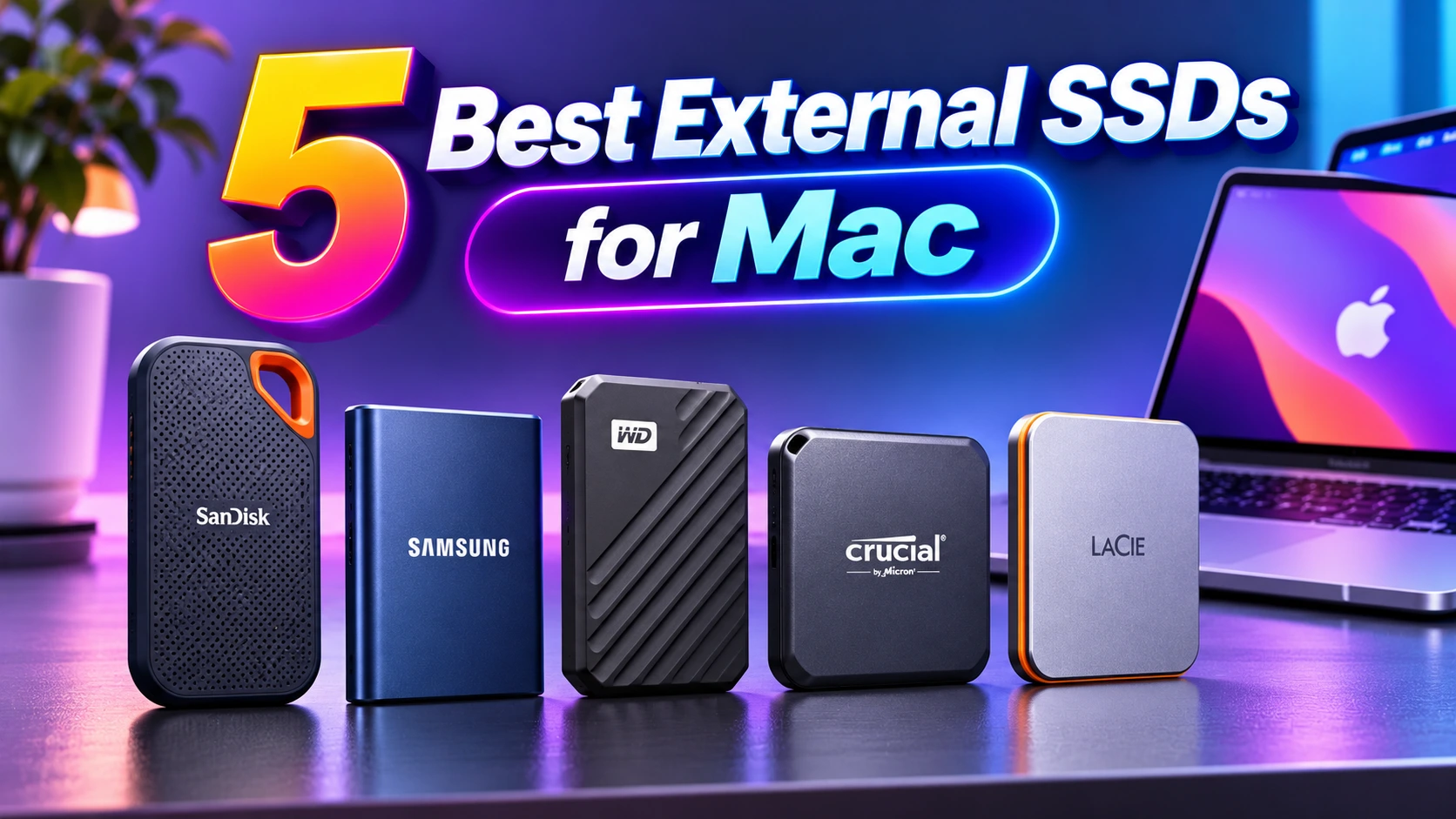
5 Best External SSDs for Mac

Buying an external hard drive or SSD for your Mac is simple nowadays. Most drives connect through a USB-C port. Some Mac drives use Thunderbolt for faster file transfers, but they usually cost more. If you need a drive for backups or storing photos and videos, a regular external drive should work well.
We test drives for speed, design, software, and price to find the best options. Our top picks include the Crucial X10 for everyday use and the LaCie Rugged SSD Pro5 for high-speed transfers. And to know about these products better, today we will talk about 5 Best External SSD for Mac users. Without waiting any longer, let’s dive right in:
List of 5 Best External SSDs for Mac 2026
Here’s top 5 best external SSDs for Mac that deliver excellent speeds and plug-and-play ease with modern Apple gadgets are the Samsung T7 Shield, SanDisk Professional PRO-G40, Crucial X9 Pro for Mac, Corsair EX400U, and OWC Express 1M2.
Samsung T7 Shield
| Pros | Cons |
| Rugged IP65 rubber shell | Caps out at 10Gbps on Mac |
| Sustained write performance | |
| Great value for average users |
First we have Samsung’s T7 Shield on our list. To give a quick answer, it’s one of the best picks among our best 5 SSD for Mac list. And don’t just go for our words, as it comes down to its performance. Providing a standard of 10Gbps USB speed that every latest Mac can handle at ease without requiring external expensive thunderbolt accessories.
Besides, it also comes with rugged rubber exterior, which also happens to be IP65 to provide users water & dust protection. That’s great news for creators traveling around and worried about SSD’s overall longevity. It also handles regular backups effectively, while keeping reliable write speeds that’s stable and consistent.
| Mini Spec | |
| Spec | Details |
| Interface | USB 3.2 Gen 2 |
| Max Read Speed | Up to 1,050 MB/s |
| Capacities | 1TB, 2TB, 4TB |
| Durability | IP65 / 3m drop |
SanDisk Professional PRO-G40
| Pros | Cons |
| Dual Thunderbolt 3 & USB | Noticeably expensive price |
| Premium aluminum heatsink | |
| Fast 3000MB MB/s pro speeds |
Moving on to no 2, it’s the entry of SanDisk’s Professional PRO-G40. And it’s not like the previously discussed sleek SSD. As it’s more of a high-grade beast tailored for heavy content creation. It features dual compatibility with both Thunderbolt 3 and standard USB interfaces, giving it immense flexibility across different generations of Apple hardware. With speeds blasting up to 3,000 MB/s, it functions as a highly reliable scratch disk for direct 4K or 6K video editing on location without thermal throttling.
| Mini Spec | |
| Spec | Details |
| Interface | Thunderbolt 3 / USB |
| Max Read Speed | Up to 2,700 MB/s |
| Capacities | 1TB, 2TB, 4TB |
| Durability | IP68 / 3m drop |
Crucial X9 Pro for Mac
| Pros | Cons |
| Ultra-compact pocket size | Short included USB-C cable |
| Pre-formatted APFS for Mac | |
| Works with FileVault |
At number three, Crucial X9 Pro enters our today’s best external SSD for Mac list. It comes as an ultra-portable exclusive storing gadget that arrives pre-formatted in APFS for instant Apple plug-and-play. It is roughly the size of a credit card, making it the ultimate compact option.
One noticeable feature users will love about it is how this SSD integrates with Apple’s native FileVault encryption, which secures sensitive personal files precisely. And due to its solid build in a slimmer design, making it is one of the good value for money SSD for Mac that tucks into backpacks easily.
| Mini Spec | |
| Spec | Details |
| Interface | USB 3.2 Gen 2 |
| Max Read Speed | Up to 1,050 MB/s |
| Capacities | 1TB, 2TB, 4TB |
| Durability | IP55 / 2m drop |
Corsair EX400U
| Pros | Cons |
| Next-level USB4 speeds | Gets hot during long writes |
| Built-in MagSafe connector | |
| iPhone video direct save |
Here’s another external SSD for Mac from Corsair. And it’s the EX400U, which brings amazingly quick USB4 performance to the table, registering phenomenal read speeds of up to 4,000 MB/s. And one of the eye-opening killer features is its magnetic, MagSafe-compatible backplate. This allows the drive to cling directly onto the back of an iPhone 15 Pro or iPhone 16 Pro. This setup lets you capture high-quality ProRes video straight to the external storage drive on the fly.
As a result, it allows the drive to snap securely on any iPhones which supports MagSafe. Meaning it’s not only useful for Mac users but iPhones too, as it lets you record high-res 4K ProRes RAW videos directly without requiring any dangling cables all the time.
| Mini Spec | |
| Spec | Details |
| Interface | USB4 |
| Max Read Speed | Up to 4,000 MB/s |
| Capacities | 1TB, 2TB, 4TB |
| Durability | Aluminum top, Plastic (side & bottom) |
LaCie Rugged SSD4
| Pros | Cons |
| Blazing fast 4000 MB/s speed. | Premium pricing tier. |
| Ultimate adventure-proof IP54 durability. | |
| Massive four terabyte storage capacity. |
Finally, LaCie’s Rugged SSD4. Now, LaCie has been a premier name in digital storage solutions for decades. It’s a renowned brand that creative professionals trust entirely due to its iconic, rugged builds and elite performance. This very Rugged SSD4 represents the pinnacle of mobile storage technology by utilizing blistering high-speed connectivity. As for performance, this SSD delivers incredible speeds of up to 4000 MB/s, and a great thing you should know is it’s engineered to effortlessly handle high-pressure workflows like 8K video editing and massive file transfers out in the field. Above all, featuring an adventure-proof IP54-rated exterior and massive capacity up to 4TB, it gives creators absolute peace of mind wherever their projects take them.
| Mini Spec | |
| Spec | Details |
| Interface | USB4 / Thunderbolt |
| Max Read Speed | Up to 4000 MB/s |
| Capacities | 1TB, 2TB, 4TB |
| Durability | IP54-rated |
Read More: How to Check SSD Health
Side by Side Comparison of 5 Best SSD for Mac in BD
To give a closer look, here’s a quick view about those SSD’s mini specifications side by side. They are given below:
| Spec | Samsung T7 Shield | SanDisk PRO-G40 | Crucial X9 Pro (Mac) | Corsair EX400U | LaCie Rugged SSD4 |
| Interface | USB 3.2 Gen 2 | Thunderbolt 3 / USB | USB 3.2 Gen 2 | USB4 | USB4 / Thunderbolt |
| Max Read Speed | Up to 1,050 MB/s | Up to 3,000 MB/s | Up to 1,050 MB/s | Up to 4,000 MB/s | Up to 4000 MB/s |
| Capacities | 1TB, 2TB, 4TB | 1TB, 2TB, 4TB | 1TB, 2TB, 4TB | 1TB, 2TB, 4TB | 1TB, 2TB, 4TB |
| Durability | IP65 / 3m drop | IP68 / 3m drop | IP55 / 2m drop | Aluminum+plastic | IP54-rated |
Common SSD Terms Mac Users Should Know
These few terms below help you compare external SSDs and understand what matters when choosing one for your Mac.
| Technical Term | Its Purpose | Where It’s Used |
| USB-C | Connect the SSD to your Mac. | Connecting drives and transferring files |
| Thunderbolt | Transfers large files at high speeds. | Video editing and large projects |
| Read Speed | Measures how quickly files are opened or transferred. | Opening files and loading videos |
| Write Speed | Measures how quickly files are saved. | Saving photos and backups |
| IP Rating | Shows resistance to dust and water. | Travel and outdoor use |
| Time Machine | Apple’s built-in Mac backup tool. | Backing up Mac files |
Last Words
Today’s list will make you aware about 5 best SSD for Mac that you can choose right now. And, what will you be keeping on the SSD? If it’s mostly family photos, documents and Mac backups, you probably don’t need to spend extra on a super-fast drive. Things change when you’re editing video or moving huge files around for work. Waiting for those files to copy gets old pretty quickly.
There’s also the practical stuff. Will the drive stay on your desk, or go into your bag every day? Check the ports on your Mac, too, because not every drive offers the same connection speed.
Rabbi Rahman enjoys talking about tech, gadgets and especially smartphones. He’s been writing about them for four years . His favorite topic is discussing innovations in devices, engaging in conversations with others who share his passion for technology.