
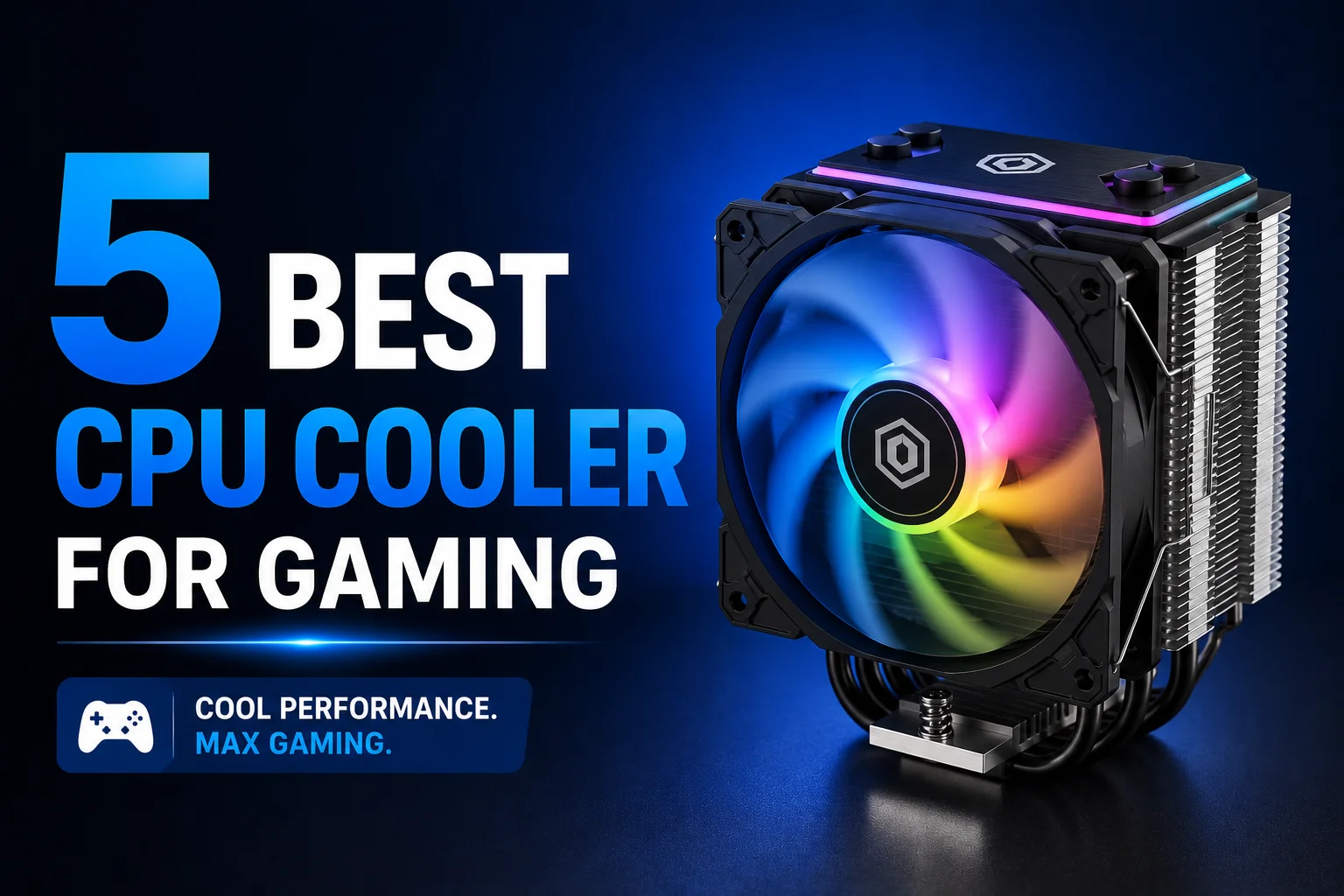
5 Best CPU Cooler For Gaming: Keep Those FPS Stable

You might have heard it, CPU is the brain of your computer. And whenever you’re running heavy games on your machine, it gets to work incredibly hard to give you that best performance. Although to deliver that power, the CPU gets blazing hot.
That is why to cool down your CPU’s excessive temperature you need a reliable device. We will understand each of the CPU Coolers‘ core features and user benefits to let you decide about what works for you best. Without waiting any longer, let’s jump right in:
1. Arctic Freezer 7 X Multi-Compatible Air CPU Cooler
| Specification | Details |
| Fan Speed | 300–2000 rpm |
| Supported Sockets | Intel LGA1700/1200/115x, AMD AM5/AM4 |
| Noise Level | 0.3 Sone |
| Weight | 425 g |
Starting off, it’s the Arctic Freezer 7 X, which is a multi-compatible Air CPU cooler and considered as a practical choice for budget gamers. Comes with a compact design, which makes users easily install in their small CPU cases.
Besides this CPU cooler supports both Intel and AMD sockets, which adds flexibility for hassle-free upgrades. To ensure quieter operation during heavy gaming, the fan speed can drop as low as 300 RPM. One great thing about this cooler is that it comes with pre-applied MX-4 thermal paste for ensuring faster assembly. Above all this cooler is great for regular office system casual entry level gamers.
| Pros | Cons |
| Very affordable option | Limited headroom for high-end CPUs |
| Quiet operation during light loads | |
| Wide Intel and AMD socket compatibility |
2. Arctic Freezer 36 CO Air CPU Cooler
| Specification | Details |
| Fan Speed | 200–1800 rpm |
| Heatpipes | 4× Copper |
| Supported Sockets | Intel LGA1851/1700, AMD AM5/AM4 |
| Weight | 890 g |
Moving on to number 2 on today’s list, we have the Arctic Freezer 36 CO, which is built for users who are looking for a stronger cooling without spending in high-end liquid coolers. Comes with four useful copper heatpipes and is built with a dense aluminum fin stack to help it handle sustained processing.
You also get a dual ball bearing fan, which is designed for providing long-term durability and extended runtime. One good thing about this cooler is that it has PWM control, letting it run with very low noise and stop completely during low loads.
| Pros | Cons |
| Reliable cooling for mid-range CPUs | Large size may block some RAM configurations |
| Durable dual ball bearing fan | |
| 0 RPM operation at low PWM loads |
3. Arctic Freezer 36 ARGB Air CPU Cooler
| Specification | Details |
| Fan Speed | 200–1800 rpm |
| Noise Level | 36.9 dB(A) |
| Supported Sockets | Intel LGA1851/1700, AMD AM5/AM4 |
| Weight | 890 g |
Arctic Freezer 36 ARGB combines the cooling capability of the Freezer 36 series with customizable lighting. Four copper heatpipes and a 59-fin aluminium stack provide solid thermal performance for gaming and content creation workloads. Included MX-6 thermal paste offers good heat transfer right out of the box.
Dual ball bearing fans are designed for durability, while PWM control helps balance cooling and noise. ARGB lighting can sync with compatible motherboards, making it a good fit for users building a visually coordinated system. Support for Intel LGA1851, LGA1700, AM5, and AM4 keeps it compatible with most modern desktop platforms.
| Pros | Cons |
| Strong cooling performance | Noise becomes more noticeable at maximum fan speed |
| ARGB lighting support | |
| Includes high-quality MX-6 thermal paste |
4. Arctic Liquid Freezer III 280MM ARGB Liquid CPU Cooler
| Specification | Details |
| Radiator Size | 280 mm |
| Fan Speed | 200–1900 rpm |
| Supported Sockets | Intel LGA1700, AMD AM5/AM4 |
| Airflow | Up to 69.90 CFM |
At number four, it’s Arctic Liquid Freezer III 280MM ARGB, which is an amazing choice for users who prioritize lower temperature and quite operation. Comes with a big 280mm radiator, which allows it to balance between cooling capacity and case compatibility. There’s also a useful VRM fan, making it cool down your motherboard’s power delivery components. Meaning whenever you play high-end games, or run big graphical content it will ensure reliable cooling.
And as like most other high-end coolers, you get PWM-controlled pumps and as well as fans that adjust automatically based on system load. As for looks, this cooler comes with ARGB lighting, which adds visual customization without affecting your CPU’s performance.
| Pros | Cons |
| Excellent cooling performance | Requires adequate case support for a 280 mm radiator |
| Integrated VRM cooling fan | |
| Quieter than many high-speed air coolers |
5. Arctic Liquid Freezer III Pro 360 ARGB CPU Cooler
| Specification | Details |
| Radiator Size | 360 mm |
| Fan Speed | 600–3000 rpm |
| Supported Sockets | Intel LGA1851/1700, AMD AM5/AM4 |
| Airflow | 77 CFM |
Finally, we have the Arctic Liquid Freezer III Pro 360 ARGB CPU cooler. If you were looking for something premium and having few exceptionally cool designs, then this the one to go for. At first you get three P12 Pro ARGB fans that can reach up to 3000 rpm, providing very high airflow and strong static pressure for efficient radiator cooling. Copper cold plate with micro-skived fins improves heat transfer, while PWM-controlled pump helps maintain stable temperatures under sustained load.
Integrated VRM fan adds extra motherboard cooling during gaming, streaming, or rendering. Large 360 mm radiator offers significant thermal headroom for high-end CPUs and overclocking. ARGB lighting and long tubing also make installation and system customization easier in larger cases.
| Pros | Cons |
| Outstanding cooling for flagship CPUs | Requires a spacious case with 360 mm radiator support |
| High airflow and strong static pressure | |
| Integrated VRM cooling and ARGB lighting |
Reasons For Getting A CPU Cooler
Any regular computer user might think, why do they need a CPU cooler in the first place? Well, it’s more of a solution centric answer. As your central processing unit or CPU generates a massive amount of heat when processing various data, it requires cooling down or otherwise you might expect various issues. Those issues could be:
Sudden Heating
CPU coolers draw away heat, helping your computer to run smoothly for a longer period of time and prevent unexpected slowdowns.
Prevents Unexpected Freezing
Computers might face freezing issues when you don’t have a good CPU cooler installed. As severe level thermal throttling can lead to slower processing and extreme drop in performance, making the OS lag and lead to unexpected freezing issues.
Saves Work
When a cooler is installed, you immediately get reliable cooling to prevent uncertain crashes, leading to save data safely without worries.
Benefits For Gamers
Gamers need to know about CPU coolers more than any user. Users already know gaming requires higher fps, and stable processing without heating the system too much. And when a high-end game pushes the processor to its absolute limits for continuous gameplay, this makes thermal management much more critical than other regular desktop computers. Now let’s understand few benefits of using CPU coolers in Bangladesh:
Maintain High FPS
When you install a CPU Cooler, this ensures lower temperatures rise for your processor. As a result you get very less frame drops while intense gameplay.
Enables Safe Overclocking
Extra cooling lets you get more performance than it actually does on a basic level. Which is a great boost while gaming.
Reduces System Noise
High-end premium coolers run quietly, which is amazing when you are too focused while gaming.
Protects Expensive Hardware
Gamers invest a lot in their favorite gaming rig. From the case to the motherboard’s tiny parts, everything has to be perfect. And these costly investments require proper thermal protection to last it longer.
Final Words
Lastly, it’s a justified saying that all of the CPU coolers discussed today are not meant for everyone. Depending on your buying power and preferences, every user should pick the ideal cooler for their computer.
And if you are a gamer, and looking for new CPU coolers prices, then today’s 5 Best CPU Cooler For gaming would help you understand about a few options you can go for. Above all keep your eyes at AG Computers blog page to remain updated about all the latest and greatest tech reviews.
Rabbi Rahman enjoys talking about tech, gadgets and especially smartphones. He’s been writing about them for four years . His favorite topic is discussing innovations in devices, engaging in conversations with others who share his passion for technology.