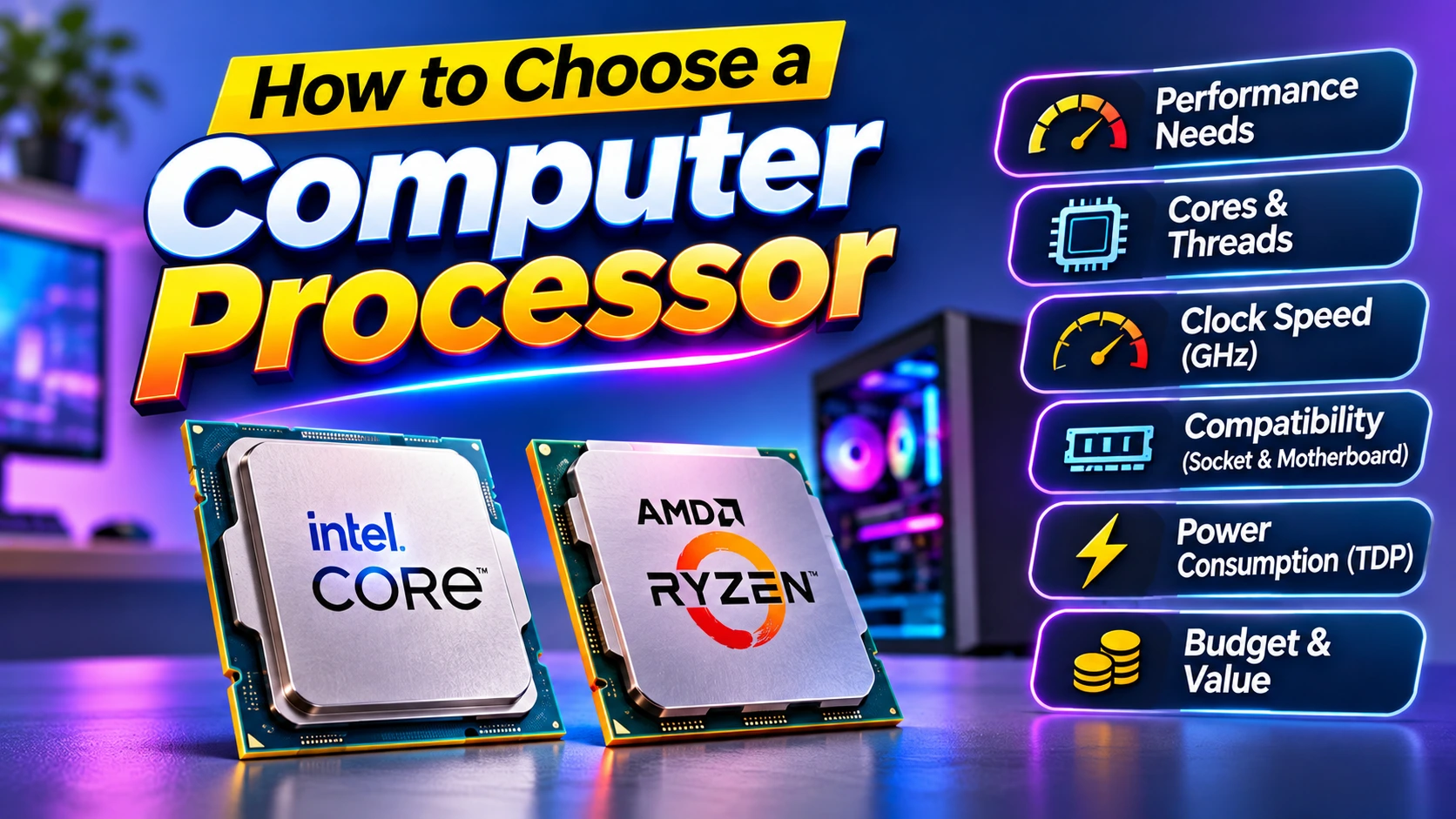
How to Choose a Computer Processor in Bangladesh: A Buyer’s Guide

It always gets complicated when you are planning to choose a CPU or a computer processor in Bangladesh. And in reality it actually depends on overall performance, gaming, multitasking, and how well the PC handles demanding software.
AMD and Intel offer processors for different types of users and budgets. A basic office PC does not need the same CPU as a gaming or editing PC.
Today’s guide explains the main things to check before buying a processor in Bangladesh. It covers CPU cores, clock speed, generation, socket, integrated graphics, and other important factors in simple terms.
Things to Keep in Mind – Before Choosing a Processor
Before you make that final processor purchasing decision, here’s few things to keep in mind:
Know Your Work Activity
First, determine what type of computer user you actually are. As a matter of fact, you are the end buyer, so knowing what you will be doing everyday is very important before rushing to buy something you might not actually need. For regular browsing, digital documents management, online classes & doing everyday office work requires a budget-friendly processor is required.
On the other hand, if you are someone who’s interested in doing professional gaming, animation work, advanced 3D graphics designing, this sort of heavy multitasking requires a much higher range computer processor.
Set a Budget for the Full PC
CPU price should fit within the budget for the complete computer. A large part of the budget does not always need to go toward the processor.
Gaming builds are a good example. Someone spending around ৳80,000 on a complete PC may need to leave enough money for a decent graphics card instead of putting most of it into the CPU.
Look at More Than Cores and GHz
When you search for CPU specifications, their technical terms can be confusing at first. At first looking at higher cores or clock speed looks attractive, although these numbers alone don’t show precisely how a processor will perform in the long run.
CPU generation and design also have a role. Two processors can have similar core counts and still perform quite differently.
Check the Price Difference
Most cases, a higher priced CPU sits on the top tier and it’s always always the highest performing processor to make that final purchase.
A processor that costs a few thousand taka more may only make sense for certain workloads. For regular use, a less expensive option may already be enough.
Do Not Choose Only by Brand
AMD and Intel both have good processors across different price ranges. One brand is not automatically better for every type of PC.
Current prices can also change the decision. A processor that looks like the better choice on paper may not offer the same value after checking its price in Bangladesh.
Check the Motherboard Before Buying
It’s important to check motherboards compatibility before you purchase a new processor ad you saw online. It especially needs your focus when you already own a computer. Whether it’s about socket support, bios support such information needs to be understood to run CPU smoothly.
How Much Should You Spend – Budget Plays Vital Role!
There is no fixed amount that makes a processor “good enough.” Spending should depend on what work will be done with the PC and how much money is available for the complete build.
For those who are just entering the computing world, and need to do all sorts of basic activities like document management, watching movies, and very basic internet tasks, and have no plan to game at all, might consider processors below 10,000 taka. They will run everyday tasks quite smoothly without worrying about too much pressure on the CPU.
If you are having a basic home setup or office usage purpose PC, for those situations a lower-priced processor can do the job just fine. These sorts of processors can range from 10,000 to 20,000 BDT, and they have enough power to run those everyday tasks pretty well. Regular Browsing, documents editing, simple photo editing, casual gaming and everyday basic software will do just efficiently with price range processors.
For gamers out there, spending 20,000 to 40,000 bdt can give you pretty good options to run all types of gaming capability which are released till 2026. Whether you are a midGames like Forza Horizon 6, Marvel’s Wolverine, Doom: The Dark Ages will run quite effectively. Even popular battle royal games like Valorant, Fortnite and PUBG PC will run super smooth with those processors.
Let’s talk about creative people as well, those who do 3D work, motion designing and graphical intense tasks, they should go for 30,000 to 50,000 BDT processors. As these processors have multiple cores and threads to run those high level softwares greatly. Softwares like Blender, Autodesk Maya, Adobe After Effects, Unity, and Unreal Engine will run swiftly if those price range processors are chosen.
| Approx Computer Processor Budget | Suitable For |
| Under ৳10,000 | Basic home and office use |
| ৳10,000 – ৳20,000 | Everyday use and entry-level gaming |
| ৳20,000 – ৳30,000 | Mid-level gaming and heavier everyday work |
| ৳30,000 ~ ৳40,000 | High-end gaming and content creation |
| ৳30,000 ~ ৳50,000+ | Heavy professional & creative workloads |
Gaming is where the budget needs a little more thought. A ৳35,000 processor inside a PC with a weak graphics card may not give the result expected from that CPU. A more balanced setup can make better use of the available money.
If you are a regular office person, there is no major reason to purchase a computer processor which costs a lot. Cause eventually you won’t be using all that power at once. That’s why it’s always better to keep parts that’s suitable for the work you do on a daily basis.
That is why determining the amount you are about to spend comes later when you have decided which processor to go for. And in the end, it lets you have a clear idea what CPU budget is suitable or how much to spend.
CPU Name Understanding – What They Actually Mean?
CPU names can look confusing at first, but most desktop processors follow a simple pattern. You will usually see a brand, series, model number, and sometimes a letter at the end.
For example, in Ryzen 7 9700X, “Ryzen 7” shows the segment, “9700” is the model, and “X” is the suffix.
AMD and Intel CPU Names
Here’s a few things to know about processor segments, series, their unique model names and technical suffixes. They are:
| Part | Example | What it tells you |
| Segment | Ryzen 5, Core Ultra 5 | General performance level |
| Series | Ryzen 7 9700X | CPU series |
| Model | Ryzen 7 9700X | Specific CPU model |
| Suffix | Ryzen 7 9700X | Extra features or design |
Higher segment numbers generally mean a higher-level CPU. Ryzen 9 sits above Ryzen 7 and Ryzen 5, while Intel follows a similar idea with Core Ultra 9, 7, and 5.
Series numbers can be useful when comparing CPUs from the same lineup, but they should not be treated as a direct measure of performance across different generations.
What Do K, F, S, T and X3D Mean?
Letters at the end of a processor name can tell you something important about that particular model.
| Suffix | Brand | Meaning |
| K | Intel | Unlocked for overclocking |
| F | Intel / AMD | No integrated graphics on supported models |
| S | Intel | Special edition |
| T | Intel | Lower-power model |
| X | AMD | Higher-performance Ryzen model |
| G | AMD | Integrated graphics focused model |
| X3D | AMD | Gaming-focused 3D V-Cache |
Suffixes can also appear together. Core Ultra 5 245KF, for instance, has both K and F, so it is unlocked but does not have integrated graphics. Checking these letters before buying can prevent confusion, especially when two processors have very similar names.
Common CPU Technical Terms To Know
Here are a few things to keep in mind before you choose a computer processor in Bangladesh. Depending on these factors, a user can understand better and not make a wrong purchase. They are:
Cores and Threads
More cores let your computer handle many tasks together. Threads help each core handle more work at once. Some processors have strong cores and smaller efficient cores. More cores do not always make games much faster.
What’s Clock Speed?
Clock speed shows how fast a processor can work. Base speed is its normal speed during regular work. Boost speed is a higher speed used when needed. Higher clock speed does not always mean faster performance.
CPU Cache
They actually store important data close to processor cores quickly. L1 cache is the smallest and fastest for quick work. L2 cache is larger, but slightly slower than L1. L3 cache is larger and shared between processor cores. More cache can help games and other data-heavy tasks.
Power and Temperature
Finally, let’s understand Power? Well, “Power” tells you how much energy a processor uses whenever you turn on your computer. TDP tells how much heat your cooler must remove. Processors can briefly use more power than TDP safely. Hot processors slow down to protect themselves from damage. Good cooling helps your processor stay safe and stable.
Choosing the Rest of Your PC
Now that you know a little about how to choose the right computer processor in Bangladesh. Let’s make you aware about a few of the additional parts, as there are a few other parts to consider. Your SSD, RAM, graphics card, and power supply all work alongside it. A good PC case also gives these parts enough room and keeps everything organized. Looking at these parts together can make choosing your computer much easier.
FAQs
What should you check before choosing a motherboard for your CPU?
First, make sure the motherboard socket matches your CPU correctly. Then, check its chipset and features for your needs.
Can overclocking make your CPU faster?
Yes, overclocking can improve performance, but the gain may be small. Results depend on your CPU and the programs you use.
Should everyone overclock their CPU for better performance?
No, modern CPUs may gain only a small performance improvement. A stable overclock is mainly useful for small performance gaps.
Rabbi Rahman enjoys talking about tech, gadgets and especially smartphones. He’s been writing about them for four years . His favorite topic is discussing innovations in devices, engaging in conversations with others who share his passion for technology.