What are Processor Generations? Intel & AMD Processor Generations Explained

Currently, there are two types of processors available in the market. You can either choose Intel or AMD, and do remember that both of them are great options. Although have you wondered how to actually choose a processor for your next dream PC?
To solve that, we will dive deeper into today’s topic, which is understanding processor’s generations core offerings depending on two currently available brands in the market. We will find out what makes them right and how they differ from one another. Without waiting any longer, let’s dive right in:
What Is a Processor Generation?
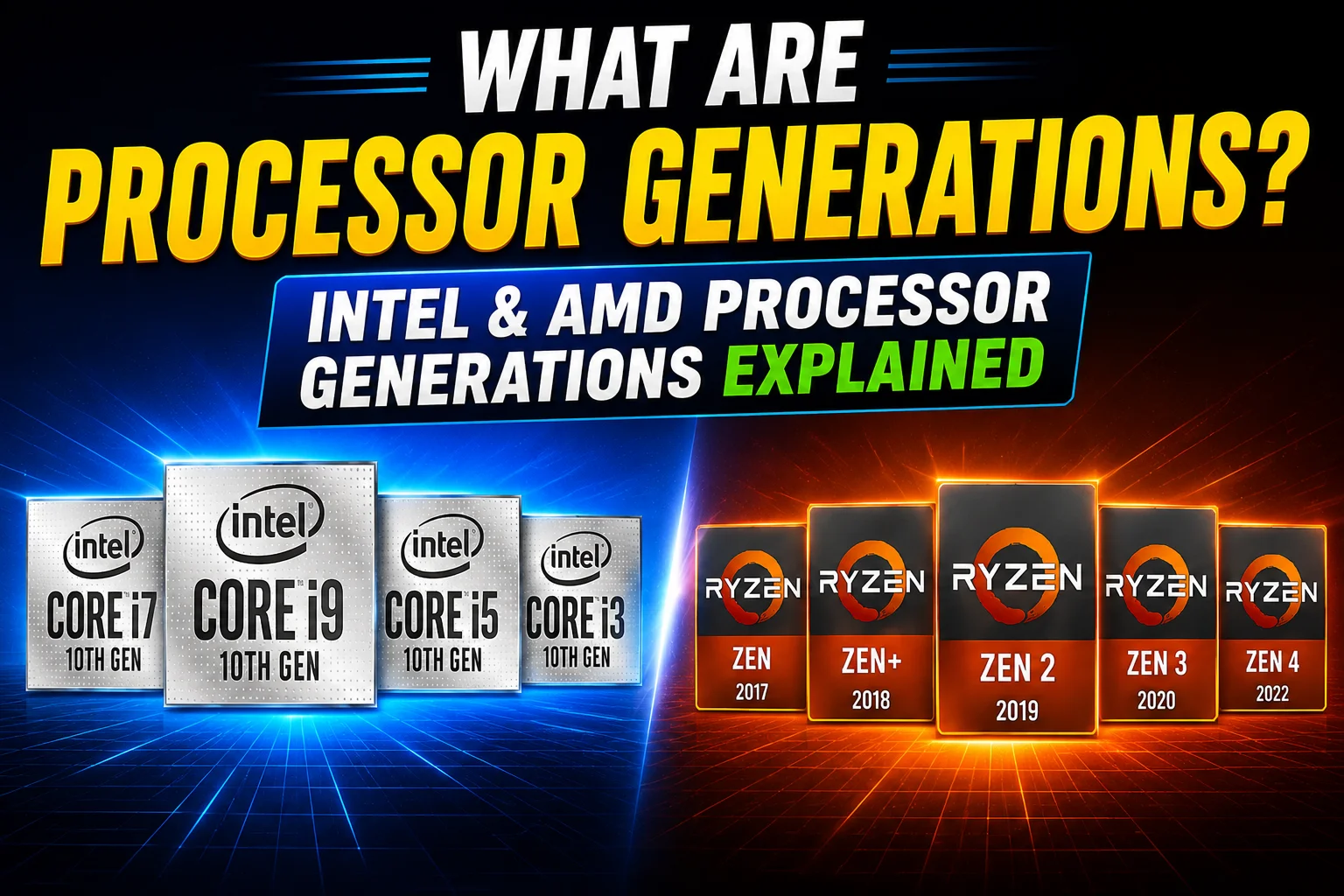
Processor generations refer to a collection of CPUs released by a company within a particular period, normally having some similarities in architecture and manufacturing process. Intel categorizes its Core processors by number of generations like 10th Gen or 13th Gen. AMD categorizes its Ryzen processors based on a series like Ryzen 5000 or Ryzen 7000.
Each generation normally introduces upgrades to some or all of the following aspects: architecture of the CPU cores, manufacturing process, number of cores and threads, cache, graphics processing capabilities, memory and PCIe compatibility, and power efficiency.
Why Do Processor Generations Matter?
The reason why generation is relevant is that it normally lets you know about the capabilities of the processor and how well it performs. Newer generations allow for higher performance per watt, increased memory speeds (e.g., going from DDR4 to DDR5), newer PCIe versions, better graphics integration, newer NPU technology, and motherboard/socket upgrades.
Generations of Intel Processors
The Intel naming convention that followed was “Core i3 / i5 / i7 / i9” with a numbered generation starting from the 1st Gen (2010) and going right up to the 14th Gen. However, since then, Intel has adopted a new “Core Ultra” naming convention for its latest processors which will be explained in the coming section.
Below is a brief explanation of the most recent Intel Core generations in comparison:
| Generation | Example Model | Desktop Codename | Key Change |
|---|---|---|---|
| 10th Gen | Core i5-10400 | Comet Lake | Added Hyper-Threading to i3 and i5 |
| 11th Gen | Core i5-11400 | Rocket Lake | New core design (Cypress Cove), better single-core speed |
| 12th Gen | Core i5-12400 | Alder Lake | First hybrid design with Performance -cores and Efficient-cores |
| 13th Gen | Core i5-13400 | Raptor Lake | More Efficient-cores, larger cache |
| 14th Gen | Core i5-14400 | Raptor Lake Refresh | Refinement of 13th Gen, higher clock speeds |
Intel’s Earlier Generations:1st Gen (Nehalem, 2008) introduced the Core i3/i5/i7 branding, followed by 2nd Gen Sandy Bridge (2011), 3rd Gen Ivy Bridge (2012), 4th Gen Haswell (2013), and 5th Gen Broadwell (2014–15). From 6th Gen Skylake (2015) through 9th Gen Coffee Lake Refresh (2018).
What Is Intel Core Ultra?
Since 2023, Intel is no longer using the “Core i3/i5/i7/i9” nomenclature on their latest CPUs and instead uses Intel Core Ultra. Core Ultra CPU is not just “the 15th Gen.”
Core Ultra CPUs come under Series, not gen numbers:
- Series 1: The first Intel series of Core Ultra. Featuring a chiplet architecture and an NPU to run on-device AI. For example, Core Ultra 7 165H.
- Series 2: Not limited to the use of a single codename. While Lunar Lake is designed for thin and efficient notebooks (Core Ultra 5 228V), Arrow Lake targets high-performance notebooks and desktops (Core Ultra 9 285K).
- Series 3: Based on Intel’s new 18A manufacturing process with improved multithreading and AI processing compared to Series 2. For example, Core Ultra 7 365.
AMD Ryzen Processor Generations Explained
AMD processors are mainly named based on their series. The number in a Ryzen processor name usually identifies the product series. AMD uses its “Zen” architecture, which has its own version numbers like Zen 3, Zen 4, and Zen 5.
Here is how AMD’s major desktop Ryzen series line up with Zen architecture versions:
| Ryzen Series | Zen Architecture | Example Desktop Model |
|---|---|---|
| Ryzen 1000 | Zen | Ryzen 7 1700X |
| Ryzen 2000 | Zen+ | Ryzen 5 2600X |
| Ryzen 3000 | Zen 2 | Ryzen 5 3600 |
| Ryzen 5000 | Zen 3 | Ryzen 5 5600X |
| Ryzen 7000 | Zen 4 | Ryzen 5 7600X |
| Ryzen 9000 | Zen 5 | Ryzen 5 9600X |
A few important exceptions to know:
- Ryzen 4000 on desktop was mostly limited to OEM prebuilt PCs (like the Ryzen 4000G APU series) rather than being widely sold at retail. Most Ryzen 4000 chips people actually bought were laptop processors.
- Ryzen 6000 was a laptop-only series based on a refined Zen 3+ design. There was no matching Ryzen 6000 desktop lineup.
- Ryzen 8000G desktop APUs use Zen 4 as well, released alongside the Zen 5 transition, which shows that AMD does not always retire an older architecture the moment a new one arrives.
Does a Newer Processor Generation Mean Better Performance?
Not always, and this is one of the most important things to understand before buying. A higher-tier processor from an older generation can outperform a lower-tier processor from a newer generation, especially in tasks that use many CPU cores at once. An older but higher-tier chip built for heavy multitasking can still beat a newer entry-level chip at tasks like video exporting or running many apps together, even though the entry-level chip is technically “newer.”
This is why comparing CPUs only by headline labels like “12th Gen vs 13th Gen” or “Ryzen 7000 vs Ryzen 9000” is not enough. Always compare the actual models against each other, not just their generation or series number.
How to Choose the Right Processor Generation
The right processor depends on what you actually do with your computer, not just which generation is newest.
For Basic Usage: If the PC will be used mostly for web browsing, using YouTube, and Office applications, then a recently launched Core i3, Core 5, or Ryzen 3/5 would be sufficient.
For Students & Professionals: Programming, Photoshop, office usage, and light editing require a Core i5, Core Ultra 5, or Ryzen 5.
For Gamers: The tasks of gaming and streaming require good performance from the CPU, especially when it comes to fast refresh rates for the game. The AMD X3D chips, Intel K series, and Core Ultra chips fit this requirement when combined with a proper graphics card.
For Content Creators: Video editing, rendering, 3D work, and heavy multitasking require more CPU performance. The best options in this case are the Core i7/i9, Core Ultra 7/9, or Ryzen 7/9.
Neither Intel nor AMD is universally “better.” The right choice depends on your budget, your workload, and the specific model, not the brand name alone
FAQ
What is a CPU generation, and why should you care?
A range of CPUs that came out during the same period with similar core design. Why it should be important for you is because of performance, power consumption, and compatibility hints.
How do I find the generation of Intel Core processor?
If naming was older by the number right after i3/i5/i7/i9 (i5-13400 = 13th Gen). For Core Ultra processors by the series number (Series 1, 2, or 3).
How do I find the generation of AMD Ryzen processor?
Based on the first digit of the four-digit number in the model name (Ryzen 5 7600 = Ryzen 7000 series). The digit represents the generation of Zen technology employed by the said series of processors (7000 series = Zen 4).
Does a newer processor generation always provide better performance?
No. A high-end older CPU can be faster than low-end one of a newer generation. Always compare specific CPU models.
Is it possible to update processor generation without updating the motherboard?
Not necessarily, but not always. Both Intel and AMD may change the CPU socket with each generation update, meaning a motherboard change will be required. Always check the compatibility with the new CPU.
Mohammad Shariful Islam is the CEO and MD of Apple Gadgets, a leading e-commerce and retail chain for gadgets in Bangladesh. He has a passion for technology, entrepreneurship, and holds a decade of experience in gadget E-Commerce. He’s committed to providing the best possible shopping experience for customers by delivering the latest and trendy gadgets.