Laptop Screen Types Explained: IPS, OLED, TN & Retina Compared

Your laptop screen is something you look at for hours every day. When people buy a laptop, they usually look at the RAM and processor, and they do not really think about the screen. This is a mistake because the screen can affect your eyes and how good the colors look.
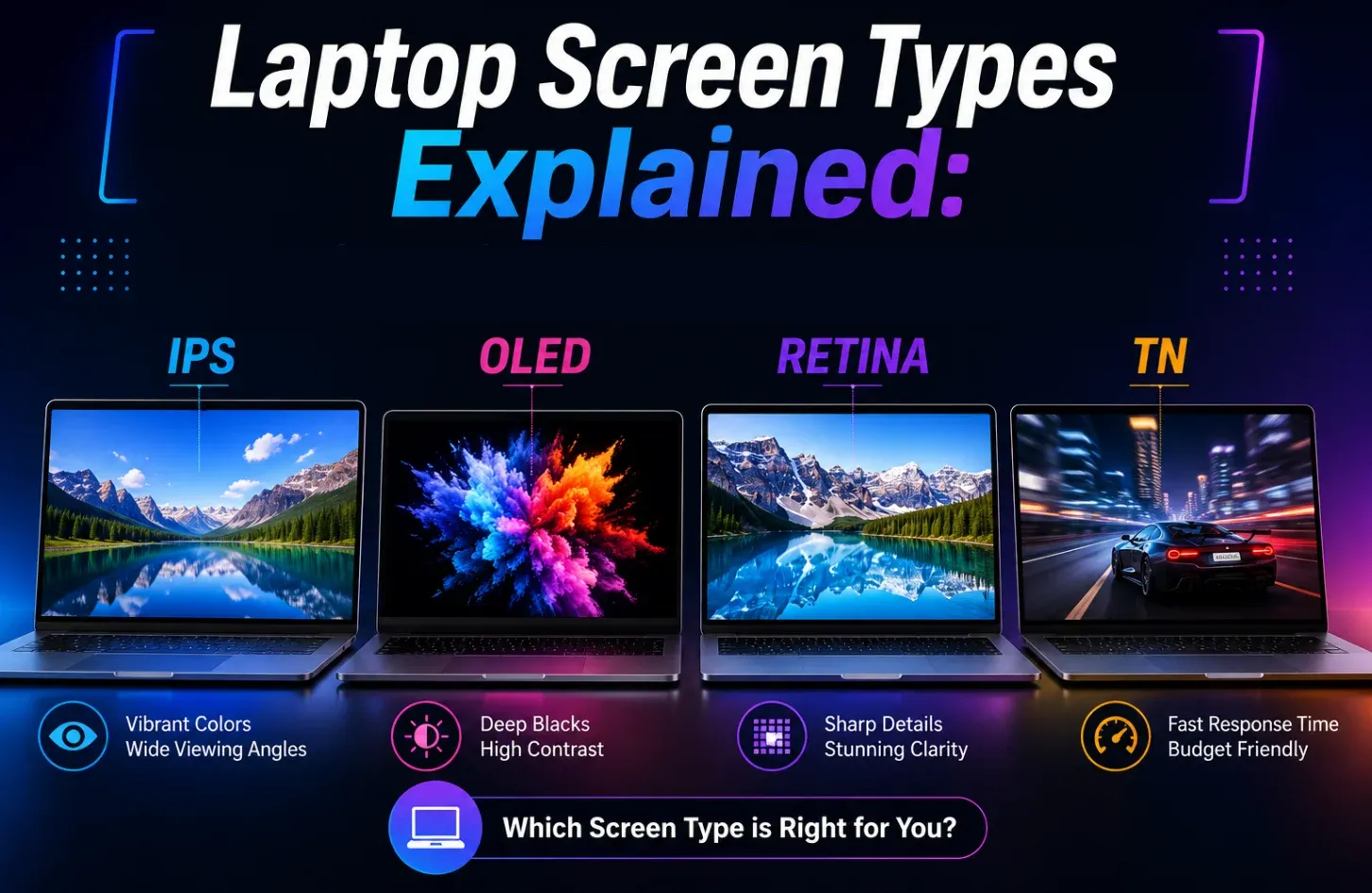
There are four kinds of screens you will see: IPS, OLED, Retina, and TN. Each one is good for something and none of them is the best for everything. This guide gets right to the point without any jargon overload, simply a clear and practical comparison to enable you to choose the correct screen depending on how you actually use your laptop.
IPS (In-Plane Switching): The All-Rounder
IPS is an all-around screen. If you have used a laptop in the past few years you probably had an IPS screen and it was probably fine. IPS is an improvement on screens and it fixes two big problems: dull colors and bad viewing angles.
It works by lining up the crystals in a special way so the light shines through evenly. This makes the screen look good from any angle and the colors are accurate enough for most things people do. It is also not too expensive.
Basically, IPS screens are good for students, people who work from home, designers who want an affordable and anyone who needs a reliable day-to-day screen. They just work well. Do not cause any problems.
| Pros | Cons |
| Accurate colour reproduction, reliable for photos, videos, and everyday use | “IPS glow” faint light bleed visible in corners on dark screens |
| Wide viewing angles, the image holds up even from the side | Slightly pricier than TN panels at the same specs |
| Available across a wide range of price points |
OLED (Organic Light-Emitting Diode): The Visual Masterpiece
OLED is entirely new compared to IPS or TN. The panel does not have a backlight. Rather, every single pixel generates its own light and more to the point, it is capable of turning itself completely off. That is what makes OLED its most well-known feature, which is true blacks. Not dark grey, not very close to black, but actual and absolute black, since a pixel that is off offers no output.
The difference produced by this is truly beyond what an LCD panel can reproduce. OLED screens have deep blacks and are much thinner than other types because they don’t need a backlight. They also respond to changes almost instantly.
People who watch a lot of content will instantly see the difference the moment they open Netflix or pull up a photo in Lightroom. It is the type of screen that makes you question how you could have stood anything less.
| Pros | Cons |
| Infinite contrast ratio, pixels switch off for true, absolute blacks | The most expensive option, adds a real premium to any laptop |
| Breathtaking colour depth and saturation | Burn-in risk if static images (like taskbars) can leave faint marks over long periods. |
| Faster pixel response than any LCD panel type | Can consume more power with bright, white-heavy content |
| Thinner build; more efficient with dark-mode content |
Retina: The Apple Perspective
Ok, now the big thing that you must be aware of, that Retina is not a display technology. It is a marketing term that Apple has coined. It is not listed on any panel spec sheet; it just does not fit into the same category as IPS, OLED or TN.
The concept behind the term retina is not new; in 2010, with the release of the iPhone 4, Apple coined the term retina. The message that Apple is actually telling you with the Retina label is: this screen is sharp enough that pixelation will never be an issue.
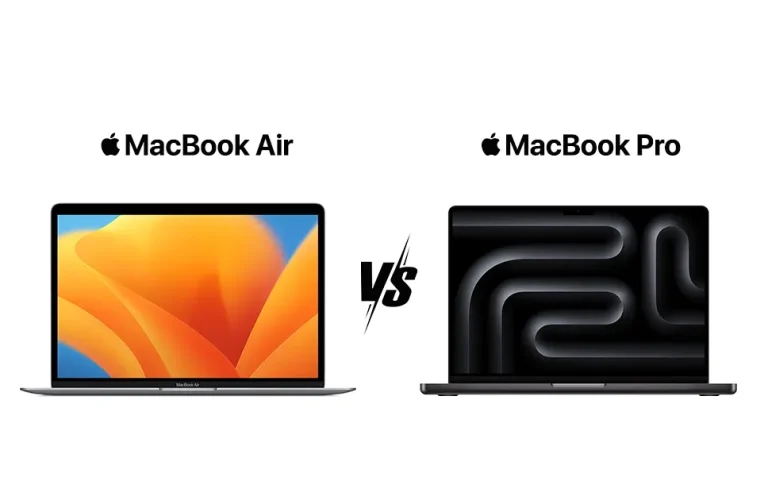
What it fails to inform you about is what type of panel is actually doing the job. Earlier editions of the MacBook utilized the standard IPS based on the Retina brand name. The newer MacBook Pros have mini-LED IPS with local dimming to improve contrast.
Other recent models have shifted to OLED. And in the case someone asks, is Retina better than OLED? That would be akin to asking whether a premium is better than stainless steel. One of them is the promise of quality; the other is the material. They are not the same sort of thing.
Read More: How to Reduce Blue Light on Your laptops Screen
TN (Twisted Nematic): The Speed King on a Budget
TN screens are old technology but they are still used today. They work by twisting the crystals, which makes them fast. This is good for gaming because TN screens can respond quickly.
However, the viewing angles are so small such that when you move the screen a little off axis you will find colours shift or invert. Gamut coverage typically ranges at 45-65 percent sRGB, which is mediocre by even the lowest-end standards.
TN is not a bad technology, it is simply a very specialized tool to an extremely specific job. Beyond competitive gaming, there is hardly any reason to prefer it to IPS in a similar price in 2026.
| Pros | Cons |
| Lowest cost, keeps the overall laptop price down | Washed-out, inaccurate colours, not suitable for creative tasks |
| Ultra-fast 1–5ms response time, ideal for competitive gaming | Low colour gamut, usually 45–65% sRGB |
| High refresh rates available at budget prices |
Comparison Table: At-a-Glance
| Feature | IPS | OLED | Retina | TN |
| Color Accuracy | Excellent | Outstanding | Excellent (depends panel) | Poor |
| Contrast | Good | Infinite | Very Good | Poor |
| Viewing Angles | Wide | Wide | Wide | Narrow |
| Response Time | 1–5ms | 0.1–1ms | Depends (IPS/OLED) | 0.5-5ms |
| Price | Mid-range | High | Premium | Resonable |
| Best Use Case | All-purpose | Media & creative work | Apple ecosystem users | Competitive gaming |
Which Laptop Screen Type Should You Choose?
So which kind of screen should you choose? It depends on how you use your laptop –
- Students & Office: Go IPS. Reliable colours, comfortable for long hours, and won’t stretch your budget. It’s the practical default for most people.
- Content Creation: OLED or High-quality IPS. Colour accuracy and contrast genuinely matter here. OLED is the premium pick; a factory-calibrated IPS works if the budget is tight.
- Competitive Gaming: TN or High-refresh IPS. TN if sub-5ms response time is everything. High-refresh IPS if you want a balance between speed and visual quality.
- Entertainment: Go OLED. Films, streaming, and gaming look genuinely cinematic. The contrast and colour depth make a real, visible difference.
One thing worth keeping in mind: panel type isn’t the only variable. If you work near a window or in a bright room, screen brightness (measured in nits) and anti-glare coating matter just as much. A 450-nit IPS in a matte finish can be more usable than a 300-nit OLED with a glossy surface in daylight.
Read More: Matte vs Glossy Laptop Screens: Which One Is Actually Right for You?
Final Verdict
There’s no single “best” laptop screen. There’s only the right one for how you actually use your laptop. For most people, students, office workers, and everyday users, IPS is the answer. Reliable, affordable, and genuinely good enough that you’ll never feel shortchanged. If visuals are central to your work or you just want the most impressive display experience available right now, OLED is worth the premium. Once you’ve seen true blacks, going back feels like a step down. TN still earns its keep for competitive gamers who live and die by response time. Everyone else? Stick with IPS. As for Retina, it just means sharp. Check what panel’s actually inside before you buy. Buy the screen that fits your life. Simple as that. And, no matter which one you choose for the final buying decision, you always rely on AG Computers.
FAQs
Which Screen Type Is Best for Eyes?
Both IPS and OLED are much easier on the eyes as compared to TN. OLED has a high contrast that is effective in low-light situations, whereas IPS gives even backlighting all day.
Is OLED Better than IPS for Laptops?
Yes, in terms of pure display quality it is OLED in front of display quality, colour vibrancy, and response time. However, IPS is cheaper, has no risk of burn-in, and can better cope with high-brightness conditions.
Can I Upgrade My Laptop Screen from TN to IPS Later?
Technically possible on some models if the connector type and physical dimensions match, but it’s rarely straightforward, usually voids your warranty, and requires confident laptop disassembly skills.
Are TN Panels Still Worth It in 2026?
It is only suitable for competitive e-sports gamers who require sub-5ms response times on a very tight budget.
Which Display Is Best for Gaming?
In competitive gaming, where the response time is the most important factor, TN or a high-refresh IPS. In games that are immersive and story-driven, where you want the graphics to be impressive to you, OLED is now the gold standard.
Rakib Md. Azhar Uddin is a seasoned tech enthusiast with a passion for cutting-edge innovations. With a keen focus on smartphones, gadgets, and laptops, he delves into the latest advancements in AI, AR/VR, and other emerging technologies. Armed with years of experience, Rakib explores the ever-evolving tech landscape, sharing insights and analysis with fellow enthusiasts worldwide.