
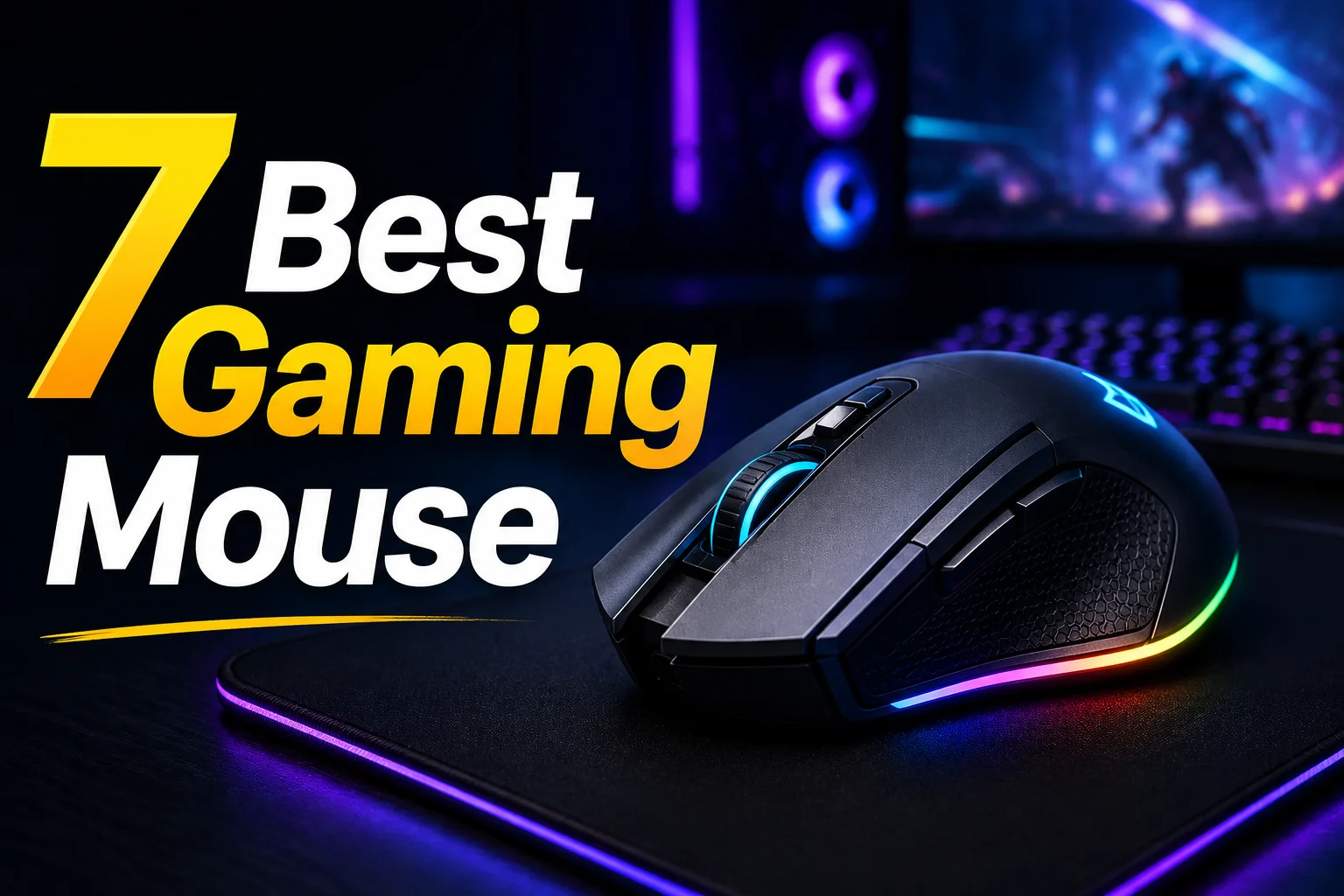
7 Best Gaming Mouse – Upgrade Your Gaming Today!

Have you ever thought about why gamers don’t use a regular office mouse for gaming? A mouse is a mouse. Then what is the issue? Why do they prefer a gaming mouse? It is not all about the fancy RGB lighting or an aggressive design. There is something more that lies behind that design, which actually helps you to improve your gaming performance.
There are a lot of varieties among gaming mouses, some cost more, some offer good features within budget, and some might be mid-range killers. Whether you would buy a mouse depends on your budget, your requirement, and the overall value it’s offering.
In today’s guide, we have hand-picked 7 best mouses in different segments that can be a great choice as your next gaming companion. This will help you to narrow down your choice list and get yourself a new mouse.
Quick Comparison Table
| Product | Best For | Connectivity | Sensor / Performance | Key Strength |
| Logitech G PRO X Superlight 2 | Esports & competitive FPS | Wireless | Flagship | Ultra-lightweight |
| Razer Basilisk V3 | Productivity & MMO/RPG | Wired | High-end | Customizable |
| Razer DeathAdder V2 X HyperSpeed | Wireless gaming on a budget | Dual-mode | High-end | Long battery |
| A4TECH Bloody R73 Ultra Duo | Budget wireless | Dual-mode | Mid-range | Charging dock |
| A4TECH Bloody W70 Max | Budget competitive FPS | Wired | Mid-range | Excellent Optical sensor |
| Logitech G102 Lightsync | Entry-level gaming | Wired | Entry-level | Great value |
| Fantech Kanata VX9S | Casual gaming | Wired | Entry-level | Affordable |
Logitech G PRO X Superlight 2
| DPI | 100 – 32,000 DPI |
| Weight | 60 g |
| Buttons | 5 |
| Connectivity | LIGHTSPEED Wireless |
Starting with the first and most premium mouse of our list, the Logitech G PRO X Super light 2 Wireless Gaming Mouse. It is an excellent choice that features LIGHTSPEED connectivity for low latency and smooth movements. And the only 60 grams of weight ensures a very accurate control over your movements.
Its DPI can be set between the range of 100 – 32000 that ensures precise tracking, which is a very important requirement for competitive games. And talking about the report rate, it’s up to 8000Hz, which is a plus as it delivers very low latency with smooth and faster tracking.
But here’s the thing, how does it handle so much power? Well, it is equipped with a HERO 2 sensor, which is used in flagship mouses to deliver extreme performance. This makes it a worthy choice in the top candidate list.
Pros vs Cons
| Pros | Cons |
| 60g ultra-lightweight design | No RGB lighting |
| HERO 2 sensor | |
| 95-hour battery life | |
| LIGHTFORCE hybrid switches |
Razer Basilisk V3
| DPI | 26000 |
| Weight | 101 g |
| Buttons | 11 |
| Connectivity | Wired |
Moving to the next product of our list that is Razer Basilisk V3 gaming mouse. It is equipped with 11 Razer chroma lighting zones with 16.8 million colors, making it super aesthetic and cheerful. Beside this, it has 11 programmable buttons to customize them according to your needs and level up your gaming.
A worth mentioning feature is the Razer HyperScroll Tilt Wheel in this mouse that can do 4 way scrolling including left and right. Moreover it has tactile, smart-reel, and free-spin modes to vibe in different moments. Above all, it is a strong choice for those who seek a brand and reliability but don’t want to spend money on a top-tier flagship.
Pros vs Cons
| Pros | Cons |
| 11 programmable buttons | Slightly heavier design |
| HyperScroll tilt wheel | |
| 11-zone Chroma RGB | |
| 26000 DPI |
Razer DeathAdder V2 X HyperSpeed
| DPI | 14000 |
| Weight | 86 – 103 g |
| Buttons | 7 Programmable Buttons |
| Connectivity | Dual (2.4G and BLE) |
As we already discussed, the Razer Basilisk V3 is an excellent wired option. However, not everybody prefers a wired setup. If you are someone who prefers wireless but want to stay with Razer, I would recommend the Razer DeathAdder V2 X HyperSpeed. It offers a similar gaming experience in a wireless package.
You get 7 buttons on this mouse that are programmable, so you can customize the controls to suit your playstyle. The best part? It offers you a battery life of up to 235 hours in 2.4GHz mode and more than 600 hours in Bluetooth mode on a single AA battery. Despite being wireless, it remains fast, smooth, and reliable, which makes it a great choice for gamers who don’t want to compromise on performance.
Pros vs Cons
| Pros | Cons |
| 14000 DPI | Wireless mode only |
| 7 Programmable Buttons | |
| 100% Ptfe Mouse Feet | |
| On-Board Memory Profile |
A4TECH Bloody R73 Ultra Duo
| DPI | 50–20,000 CPI |
| Weight | 74g |
| Buttons | 8 |
| Connectivity | Dual Mode |
A4Tech has been a trusted and reliable name since our childhood. They have been producing great quality gaming peripherals beside durable office peripherals. Following this, we have the A4TECH Bloody R73 Ultra Duo, which is also a wireless option like the previous. It comes with a unique design than usual mouse and an incredible 20,000 CPI in a mid-range budget.
One more thing to highlight is the charging dock it comes with. It works as a connection stabilizer that can improve 2.4Ghz connectivity. You’ll have a faster and smoother response with 1000Hz polling rate of this mouse. This mouse offers so many things that might feel unbelievable in its budget range.
Pros vs Cons
| Pros | Cons |
| Dual-mode wireless | Wireless mode only |
| Charging dock included | |
| 20K Alpha sensor | |
| Up to 75-hour battery |
A4TECH Bloody W70
| DPI | 10000 |
| Weight | 145g |
| Buttons | 8 |
| Connectivity | Wired |
We have talked about more than half of the mouses of our list and are going straight toward those who want to enjoy gaming in a more budget-friendly way than previous options. The A4TECH Bloody W70 Max is a gaming mouse that has up to 10000 DPI and 2000 Hz polling rate for smooth and precise tracking.
It is equipped with an extra fire wheel that lets you switch between multiple weapon firing modes, elevate your gaming experience and gives you faster control. This is a very useful feature for fast-paced gaming.
Pros vs Cons
| Pros | Cons |
| 10000 DPI | Software configuration is windows only |
| RGB Lighting | |
| 50 million clicks | |
| 6 different precision control modes |
Logitech G102
| DPI | 8,000 |
| Weight | 85 g |
| Buttons | 6 programmable buttons |
| Connectivity | Wired |
We have arrived at the second last option of our list. The Logitech G102 Lightsync is known as one of the best value for money gaming mouse around the world for its premium tier performance and reliable build quality at an accessible price point. It is equipped with an adjustable 8000 DPI sensor that offers smooth and accurate tracking.
On top of that, you get 6 programmable buttons in this mouse, giving you the flexibility to customize your controls. Another highlight is the LIGHTSYNC RGB lighting of this mouse that offers dynamic and customizable lighting for your mouse to match your vibe and enhance your setup. If you are looking for a budget-friendly option from a reliable brand, don’t forget to consider this one.
Pros vs Cons
| Pros | Cons |
| LIGHTSYNC RGB | Non-braided cable |
| 6 programmable buttons | |
| 8,000 DPI | |
| G HUB software compatibility |
Fantech Kanata VX9S
| DPI | 7200 |
| Weight | 88g |
| Buttons | 6 programmable macro buttons |
| Connectivity | Wired |
Finally, we have arrived at the last product of our list, the Fantech Kanata VX9S gaming mouse. If you don’t want to break your wallet and looking for something budget-friendly for gaming, this mouse is a very affordable yet great choice.
Enjoy smooth tracking with up to 7200 DPI, which helps you play with precision while gaming. It has a comparatively lightweight build for a standard mouse, weighing in 82 grams. And the cherry on the top is its RGB lighting which doesn’t create any fuss, stays minimal, and keeps its look sharp. You can easily consider this if you are looking for something in the entry level while keeping gaming as your top priority.
Pros vs Cons
| Pros | Cons |
| 7,200 DPI sensor | Wired only |
| RGB lighting | |
| 10M-click switches | |
| A725F reliable entry level chipset |
What Should You Consider Before Buying a Gaming Mouse?
Grip Style & Comfort
Before getting a mouse, you should remember to prioritize your comfort. A mouse with better ergonomics and grip lets you enjoy longer sessions without feeling pain or strains to your hands.
Connectivity
There are different kinds of connectivity wired, wireless Bluetooth or 2.4Ghz. Some come with Dual mode or Tri-mode. It’s not necessary for them to be useful to everyone. Before getting one, know your needs whether you need wireless, or you wouldn’t mind a wired connection.
Sensor Performance
Now many of you might be impressed when you see a high DPI. Well, you should be, but not without learning about the sensor it’s using. A good sensor in your budget matters just as much as the DPI does. So you should look if the sensor is performing well or a good choice for long-term decisions.
Buttons & Customization
Think about how many buttons you actually need. Extra programmable buttons can improve your gaming experience by letting you assign shortcuts, macros, or in-game commands. If you mainly play FPS titles, fewer buttons may be enough, while MMO or MOBA players often benefit from additional controls.
Build Quality & Weight
A gaming mouse should feel durable without being uncomfortable to use. Consider its weight, materials, and switch quality before making a decision. Some gamers prefer lightweight mice for faster movements, while others enjoy a slightly heavier mouse for added stability and control.
Final Words
While looking for the best gaming mouse, you should not just go for the most expensive one or the one that has the highest DPI. You need to find a mouse that feels really comfortable in your hand. The gaming mouse should also match the way you play games and fit the amount of money you’re willing to spend.
Throughout this guide, I have tried to show you different options so it becomes easy for you to pick the right one. Hope this helps, see you in the next one. Stay tuned to the Blog page of Apple Gadgets for more exciting and learning contents.
FAQ
Which gaming mouse is best for FPS games?
If you are looking for a mouse exclusively for FPS games, a lightweight mouse with a reliable sensor can be a good option.
Is a wireless gaming mouse good for competitive gaming?
Yes, most modern mouses offer good responsiveness required for competitive gaming. Keep an eye for a reliable sensor that keeps consistent tracking and you are good to go.
Can I use a gaming mouse for work or everyday tasks?
Absolutely. A gaming mouse is an excellent choice for productive work, thanks to its extra customizable buttons that makes browsing easier while the ergonomic mouse helps in long-time sessions.
Which is better: wired or wireless gaming mouse?
Both are excellent choices based on your preferences. Wired has its advantage of having uninterrupted performance and zero charging hassle, while the wireless options offer cleaner desk setups and greater freedom. Whether you will get a wired or wireless device, it’s your call.
Borhan Uddin Alif is a writer with 3 years of experience, focusing on technology, marketing, and storytelling, and enjoys exploring various niches and topics.