

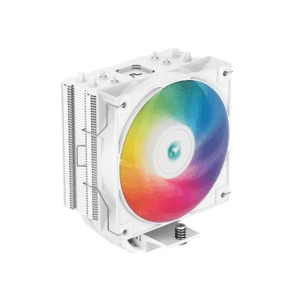
DeepCool AG400 WH ARGB 120mm Air CPU Cooler
৳ 2,800
CPU Cooler Price starts from BDT 400 to BDT 23,500 in Bangladesh, depending on Brand, Cooling Type, Fan Size, RPM, Socket Compatibility, RGB Lighting, and Features.
Showing: (270 Items)
Filters
Price Range
Cooler Type
Radiator Size
Fan Speed
RGB Lighting
Brands
Showing: (270 Items)
DeepCool AG400 WH ARGB 120mm Air CPU Cooler
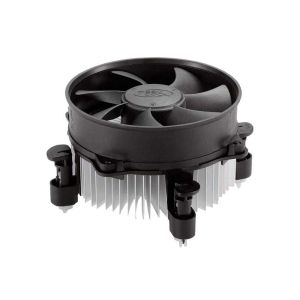
DeepCool ALTA 9 Air CPU Cooler
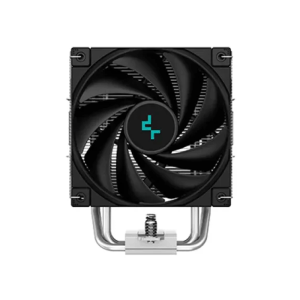
DeepCool AK500 Single Tower Air CPU Cooler
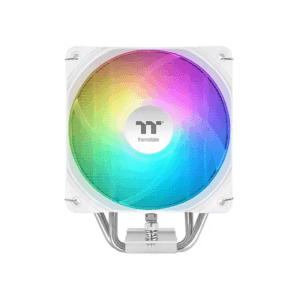
Thermaltake UX400 ARGB Sync Air CPU Cooler
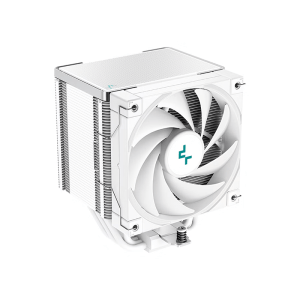
DeepCool AK500 WH High-Performance Single Tower CPU Cooler
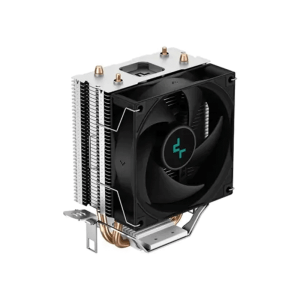
DeepCool AG200 Single Tower Air CPU Cooler
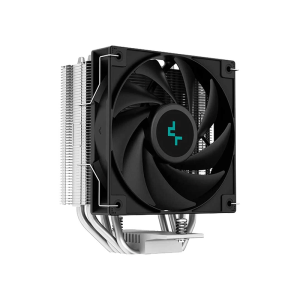
DeepCool AG400 Single Tower Air CPU Cooler
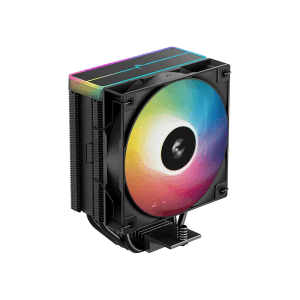
DeepCool AG400 BK ARGB V2 Single Tower Air CPU Cooler
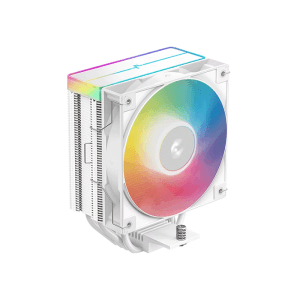
DeepCool AG400 WH ARGB V2 120mm Air CPU Cooler
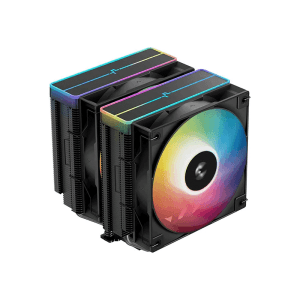
DeepCool AG620 BK ARGB V2 Dual Tower Air CPU Cooler
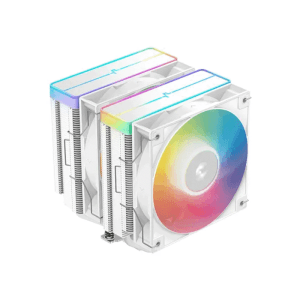
DeepCool AG620 WH ARGB V2 120mm Air CPU Cooler
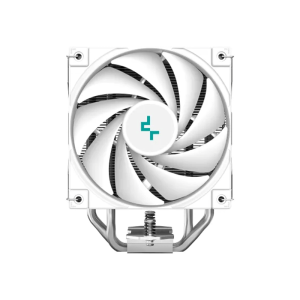
DeepCool AK400 DIGITAL SE WH ARGB Single Tower Air CPU Cooler
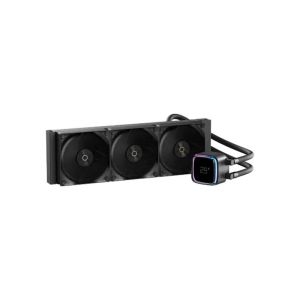
Ocypus Iota L36 360mm AIO Liquid CPU Cooler
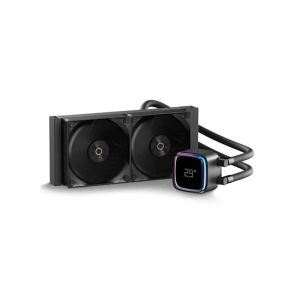
Ocypus Iota L24 240mm AIO Liquid CPU Cooler With Display
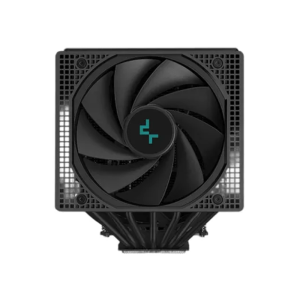
DeepCool ASSASSIN IV VC VISION Air CPU Cooler
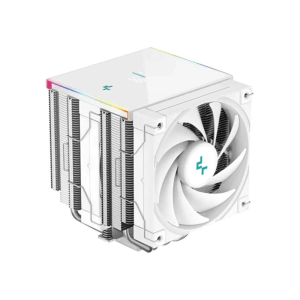
DeepCool AK620 DIGITAL SE WH ARGB Dual Tower Air CPU Cooler
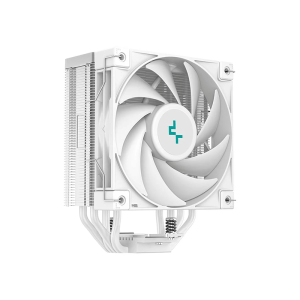
DeepCool AK400 WH 120mm Air CPU Cooler
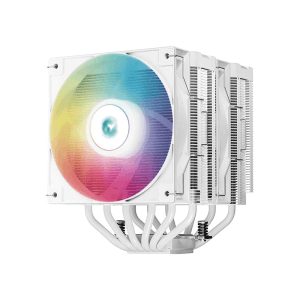
DeepCool AG620 DIGITAL WH ARGB 120mm Air CPU Cooler
Is your gaming PC too hot, too loud, or running slow when it’s under heavy load? Then it is time to upgrade your CPU cooler. Knowing the present CPU cooler price in Bangladesh helps you buy smartly. CPU cooler cost depends on its type, brand, size of heatsink or radiator, quality of fan, RGB features, and of course, socket support.
Basic air coolers are good for tight budgets, while 240mm and 360mm AIO liquid coolers cost more, but offer more cooling for high-end processors. Popular brands like Deepcool, NZXT, Cooler Master, Corsair, and ARCTIC offer options at almost every price point, from entry-level models to premium builds.
A CPU cooler keeps your processor at a safe temperature and makes your computer run smoothly. Here are the top reasons why every PC needs a good CPU cooler.
Choosing a CPU cooler becomes easier when you know what options are available. Here are some common types worth knowing about.
Desktop computers typically use air cooling because it is easy to set up and works dependably. It uses a metal heatsink and one or more fans to draw heat away from the processor. Some models also have copper heat pipes and aluminum fins. Fan sizes range from 92mm to 140mm. These coolers are okay for everyday computing, office work, and many gaming setups.
Tower CPU coolers have a heatsink mounted vertically so that airflow and heat dissipation is better. Most coolers employ a 120mm or 140mm fan and multiple copper heat pipes to keep the processor temperature in check. They are available in different sizes and cooling capacities making them a great option for users who need more cooling power than a basic air cooler can provide.
Dual tower CPU coolers provide a larger cooling surface area for more demanding processors. They have two heatsink towers connected by several heat pipes. They also generally have two cooling fans. Most models have 6-8 heat pipes and support 120mm or 140mm fans. This design helps to manage heat during heavy processor tasks like gaming, video editing, 3D rendering and other processor-heavy workloads.
Liquid cooling is a popular option for users wanting efficient cooling and a tidy PC setup. AIO cooler is a closed loop system consisting of a pump, CPU water block, coolant tubes, radiator, and cooling fans. The standard radiator sizes are 120mm, 240mm, 280mm and 360mm. Some models also have RGB lighting, ARGB fans and LCD displays for a more personalized look.
Liquid cooling is a popular option for users who want efficient cooling with a clean PC setup. An AIO cooler comes with a pump, CPU water block, coolant tubes, radiator, and cooling fans in a pre-assembled closed-loop system. Available radiator sizes commonly include 120mm, 240mm, 280mm, and 360mm. Some models also feature RGB lighting, ARGB fans, and LCD displays for a more customized appearance.
Custom loop cooling is made for enthusiasts who want to build their own liquid cooling system. Unlike AIO coolers, its components are picked and assembled separately, like the water block, pump, reservoir, radiator, fittings and tubing. Users can also add GPU water blocks to the same loop of cooling. While it offers a lot of customization and good cooling, this setup requires a bigger budget, technical knowledge, and regular maintenance.
Several international brands offer CPU cooling solutions in Bangladesh. Each brand has different models, cooling technologies, designs, and price ranges.
Known for its minimalist PC components, NZXT brings a clean and modern look to CPU cooling. Its Kraken series features AIO liquid coolers with different radiator sizes and cooling capabilities. Models like the NZXT Kraken Elite 240 and NZXT Kraken 360 cooler offer advanced cooling performance and LCD display features, making them suitable for users who want both functionality and visual customization.
For PC builders looking for dependable cooling without compromising on design, DeepCool offers several interesting options. Its collection includes both air and liquid CPU coolers for different performance needs. The DeepCool MYSTIQUE 360 CPU Cooler is a notable choice, featuring a large radiator, ARGB lighting, and an LCD display for a more personalized PC setup.
With years of experience in PC cooling, Cooler Master offers a wide selection of air and liquid CPU coolers. The Hyper 212 series is a popular option for air cooling, while its MasterLiquid series caters to users who prefer liquid cooling. The Cooler Master MasterLiquid 240 Atmos ARGB Liquid Cooler is a great option for users looking for efficient liquid cooling with customizable ARGB lighting.
When it comes to premium PC cooling, Corsair is a brand worth considering. Its AIO liquid coolers combine powerful cooling performance with modern designs and customizable RGB lighting. Selected models also come with LCD displays, allowing users to monitor CPU temperatures and personalize the look of their gaming setup.
If cooling performance and value for money are your priorities, Thermalright offers some interesting choices. Its Peerless Assassin and Phantom Spirit series are popular among PC enthusiasts. These dual-tower air coolers are designed to handle demanding processors and provide an alternative to more expensive liquid cooling systems.
From simple desktop setups to customized gaming PCs, Thermaltake offers cooling solutions for different needs. Its collection includes air coolers and AIO liquid coolers with various radiator sizes. Many models also feature RGB or ARGB lighting, giving users more flexibility when designing their PC builds.
Quiet operation and cooling efficiency are two reasons many PC builders consider Arctic. The brand's Freezer series includes air and liquid CPU coolers designed for reliable thermal performance. Arctic also offers dedicated cooling fans, making it a practical choice for users who prefer functionality over flashy designs.
Start with the socket. Your CPU cooler must support your platform, such as LGA1700 for Intel or AM4 and AM5 for AMD. Most coolers list their supported sockets on the box and product page.
Next, match cooling power to your processor. Coolers carry a TDP rating, and it should be at or above what your chip draws under load. A Core i9 needs a stronger CPU cooler than a Core i3. If you plan to overclock, go one step higher than you think you need.
Then measure your case. Check the height limit for air coolers and the radiator support for liquid ones. Look at RAM clearance too. A cooler that does not fit is just an expensive paperweight.
Noise matters if the PC sits on your desk. Larger fans at lower speeds are usually calmer. Finally, set a budget. A mid-priced air CPU cooler beats a cheap AIO more often than people expect. Make sure thermal paste is included, or buy a tube separately.
Looking for a reliable place to buy a CPU cooler in Bangladesh? AG Computers brings you a selection of CPU coolers to suit different builds, performance needs, and budgets. Along with CPU coolers, you can discover other essential PC components, including Computer Processors, Motherboards, RAM, and SSDs. And if you're planning to build a custom desktop, explore the PC Builder to choose compatible components and put together a setup that matches your performance requirements.
Neither wins every time. An air CPU cooler is simpler, has fewer parts to fail and costs less. An AIO cools hotter chips and looks tidier, but needs radiator space and a working pump. For most midrange processors, a good air CPU cooler is enough.
Check three things: socket support, case clearance and RAM clearance. Compare the CPU cooler's height or radiator size with your case specs. If you are unsure, ask our team before you order.
Not always. The boxed cooler handles everyday use. Upgrade when the PC runs loud, temperatures stay high under load, or you plan to overclock. A new one also helps if you moved to a more powerful processor.