Windows Vs macOS Vs Linux: Which One Should You Choose?

Your computer runs on an operating system. Without it, nothing really works. Files don’t open. Apps don’t launch. Hardware just sits there doing nothing.
Most people never think about this. They just turn on the laptop and start working. Fair enough. Still, that layer of software controls almost everything happening in the background. Memory use. Storage. How devices talk to each other.
And yes, you can change it if you want.
The Big Three Operating Systems
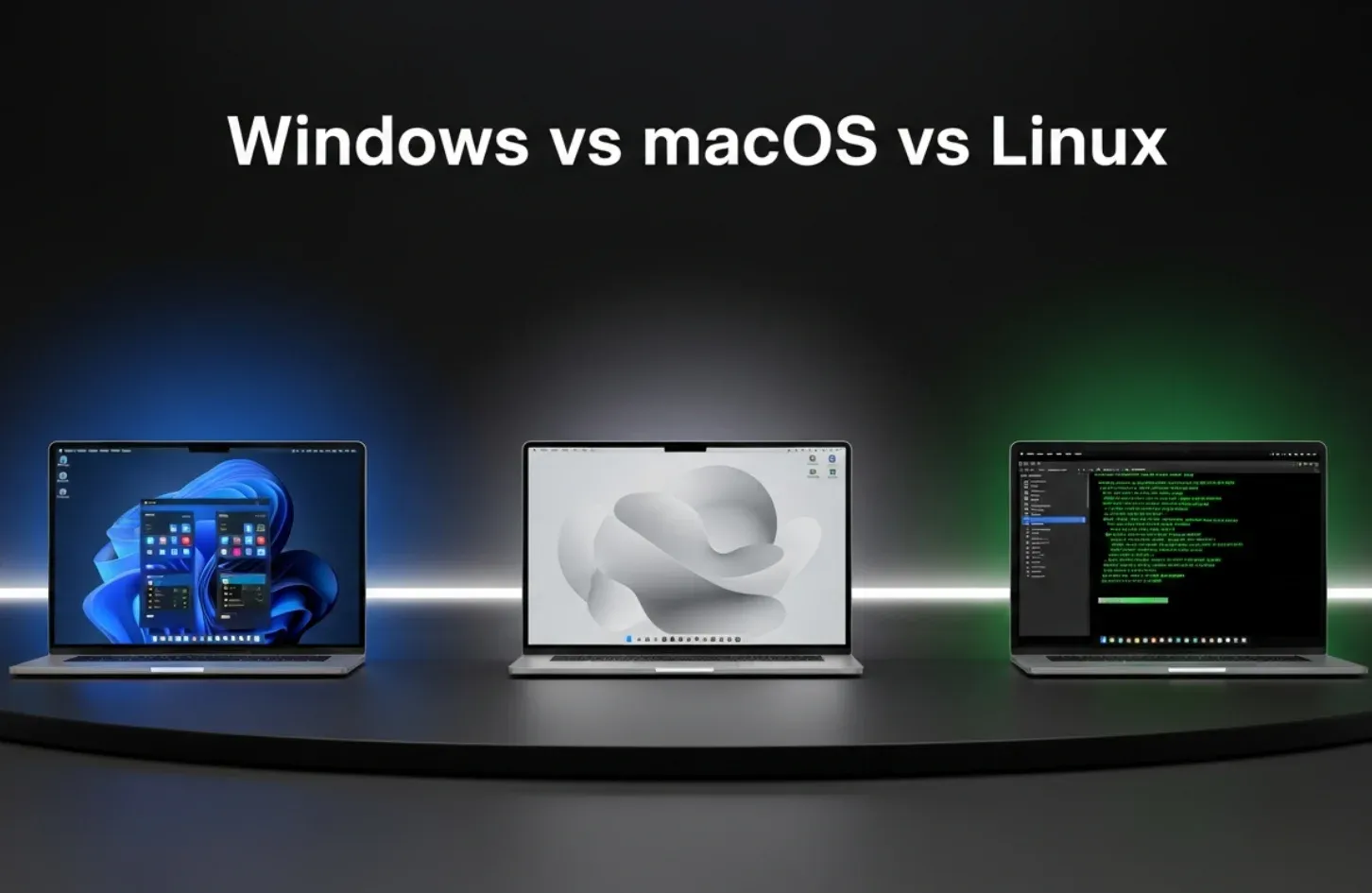
Almost every desktop or laptop you see runs one of three operating systems. Not dozens. Just three that dominate in different ways. You’ve probably used at least one of them already, even if you never thought about it.
Each one behaves differently. Feels different. Fits different kinds of users.
Windows: Everyone’s Favorite
Windows is what most people grow up using. School computers, office desktops, home laptops. It runs on cheap machines and expensive ones without much drama.
You want to install random software, plug in a printer, or play a popular game. Windows usually says yes. That’s why it shows up everywhere, from classrooms to gaming cafés. It doesn’t ask many questions. It’s practical for most regular users who don’t want something complicated and require a simple OS interface.
It runs on almost anything. Cheap laptops. Custom-built PCs. High-end gaming machines. That flexibility matters. This is why most laptops sold locally still ship with Windows by default, especially in stores like AG Computers, where buyers usually want something that works right out of the box.
Hardware support is a big deal here. Printers, scanners, graphics cards. Most things just work. Plug it in and move on. Software too. Games, business tools, random utilities you downloaded years ago.
Gaming is another reason people stick with Windows. Many big titles show up there first. Offices rely on it as well. Word, Excel, Outlook. You see them everywhere.
Why people stay on Windows
- Works with almost everything
- Easy to upgrade parts later
- Familiar layout for most users
macOS: Secured & Beautifully Polished
This is the most unique and yet most secured OS that developers and designers love. And as you have guessed already, macOS only runs on Apple hardware. No exceptions. Only exists on Apple computers. MacBooks, iMacs, nothing else. That limitation is intentional. That’s a downside for some, a benefit for others.
The modern version goes back to the early 2000s, built on UNIX foundations. That brought better stability and security compared to older systems. Over time, it became a favorite for designers, editors, and developers.
Apple controls the whole environment. Hardware and software together. That’s why things feel smooth. Apps like iMovie, GarageBand, Pages. They’re already there, ready to use.
Games are the weak spot. Some run fine. Many don’t. Virtual machines help, but limits show up quickly. And yes, Macs cost more. People know that going in.
Why macOS works for many
- Smooth connection with iPhone and iPad
- Clean interface that rarely breaks
- Strong privacy reputation
Linux: Freedom, Control & Quietly Powerful
Linux doesn’t belong to one company. It’s open-source. Anyone can use it. Anyone can change it, if they know how.
It runs most of the internet. Cloud servers. Supercomputers. Android phones are based on it too. On desktops, it shows up in different forms, called distributions.
Ubuntu is common for beginners. Debian shows up on servers. Raspberry Pi OS runs tiny computers. Same core, very different experiences.
You can change almost everything. The look. The behavior. Even how the system itself works. That freedom attracts hobbyists and developers. It scares off casual users.
One great thing is, Linux is free. It runs well on old hardware. Malware is less common. But when things break, you fix them yourself.
Why Linux attracts users
- Deep customization options
- No license fees
- Fast and lightweight, even on old PCs
Who Uses Which Operating System
Different operating systems attract different kinds of users. Not because one is better, but because people expect different things from their computers.
Usage patterns stay fairly consistent, even though numbers shift over time.
| Operating System | Who Mostly Uses It | Common Use Cases | What Makes It Popular |
| Windows | Students, office workers, gamers, general users | Office work, gaming, browsing, software tools | Runs on almost any hardware, massive software support, familiar interface |
| macOS | Designers, editors, developers, Apple users | Creative work, coding, daily productivity | Smooth performance, strong ecosystem, polished design |
| Linux | Developers, hobbyists, system admins | Programming, servers, old PCs, learning | Free to use, highly customizable, lightweight and secure |
So, as you have read the table, now you’ll notice a pattern. Windows focuses on compatibility. macOS focuses on experience. Linux focuses on control. That’s usually what drives the choice, more than market share numbers.
Running Two Operating Systems
Some users stick with whatever came pre-installed. Others like experimenting. There are a few common ways people do that.
One option is dual boot. Start the computer, pick an OS, and go from there. Another way is virtual machines. You open one OS inside another like a normal app. Slower, but convenient. Then there’s the extreme route. Wipe everything and start fresh with a new operating system. It’s not for everyone, but it’s there if you want to use two operating systems at the same time.
Which Operating System Fits You Best?
Most people are fine with what they already have. Familiar tools matter a lot, because no one likes to switch all on a sudden to something they are not used to.
Some users enjoy exploring new options, others just want things to work without thinking about it. Both are valid. The truth is; there’s no single best operating system. Just the one that fits how you actually use your computer and what you personally prefer.
And that part? It always varies from user to user.
FAQs
Is Windows good for everyday tasks like browsing and office work?
Yes, that’s what most people use it for. Browsers, documents, online classes, everything runs without much effort. Most apps are made with Windows in mind. You install, open, and get going.
Why does Windows sometimes feel slower after long use?
Over time, updates and background programs stack up. Startup apps don’t help either, especially on budget machines. A little cleanup helps. A fresh install helps even more.
Is macOS hard to use if you’re coming from Windows?
At first, it feels different. Menus, shortcuts, window controls. After a few days, most users stop noticing. If you already use an iPhone, it feels less foreign.
Can macOS handle games properly?
Light and casual games are fine. Big titles are hit or miss. Many just aren’t made for macOS. Some users rely on cloud gaming or virtual machines, with mixed results.
Is Linux only for technical people?
Not really. Modern versions like Ubuntu are easy for basic tasks like browsing or watching videos. Troubleshooting takes more effort, though. You learn as you go.
Does Linux work well on old or slow computers?
Yes, that’s one of its biggest strengths. Lightweight Linux systems run smoothly on older hardware. An unused laptop can suddenly feel useful again.
Rabbi Rahman enjoys talking about tech, gadgets and especially smartphones. He’s been writing about them for four years . His favorite topic is discussing innovations in devices, engaging in conversations with others who share his passion for technology.