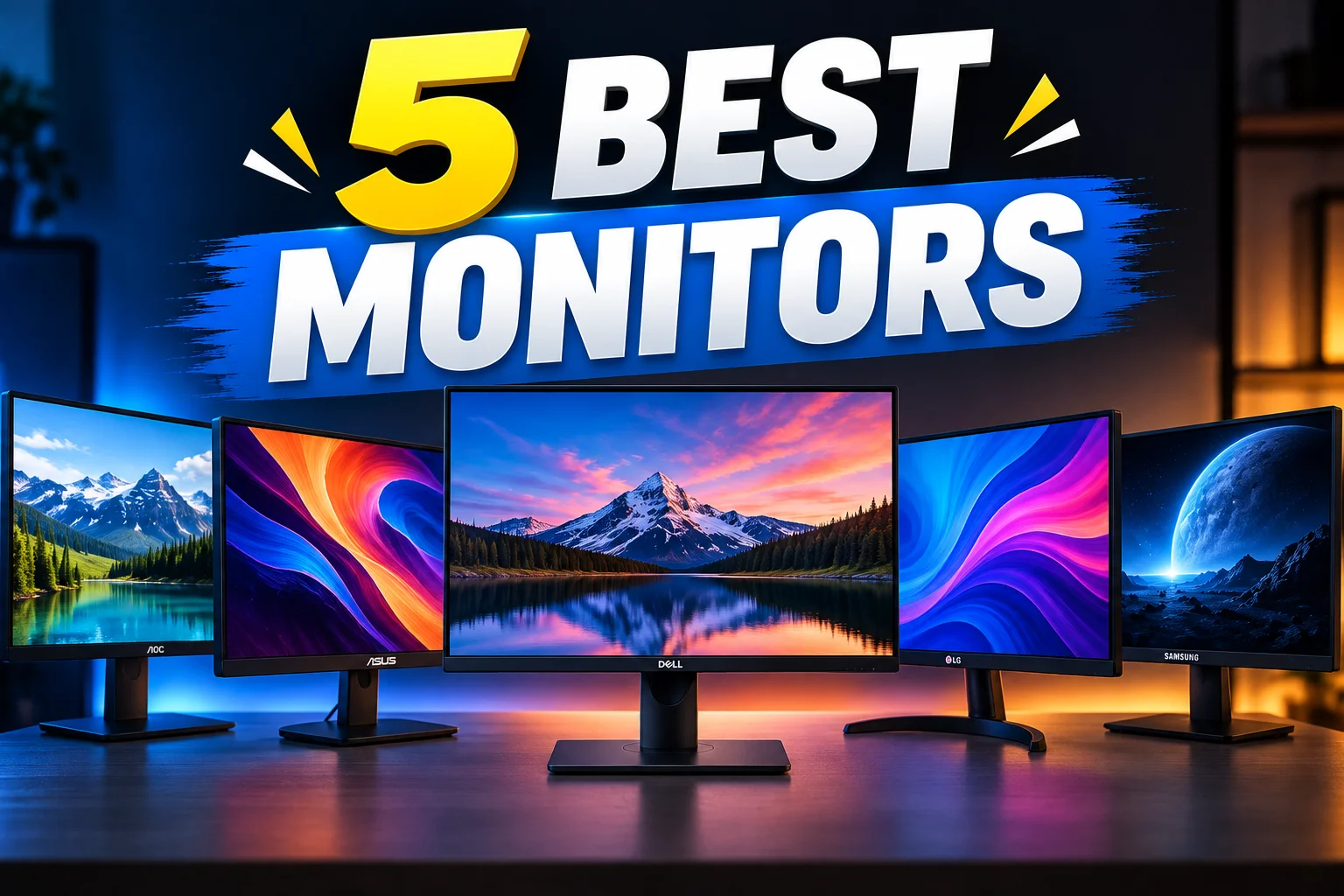
5 Best Monitors Under 10k in BD- Affordable Picks for Work, Study & Gaming

A few years ago, buying a monitor under ৳10,000 in Bangladesh often meant settling for a low-resolution display, washed-out colors, and noticeable eye strain after extended use. Fortunately, the market has changed significantly. Today, you can find budget-friendly monitors that deliver impressive value, with Full HD resolution, better color accuracy, smoother refresh rates, and eye-care features that make long hours of work or entertainment much more comfortable.
To help you choose, we’ve reviewed the best options currently available and selected 5 monitors under ৳10,000 that truly stand out for their performance and value.
1. Dahua DHI-LM19-A202Y 18.5″ IPS Monitor
| Pros | Cons |
| HDMI + VGA ports for wide compatibility | Screen feels a little small for complicated multitasking |
| Low Blue Light helps reduce eye strain | |
| Slim, compact design fits small desks |
First of all, we have the Dahua DHI-LM19-A202Y, a monitor that’s really just made for people who want something dependable for their everyday computer work. Whether you’re typing up documents, browsing the web, or watching videos, this one handles it comfortably. What we genuinely appreciate is the Anti-Blue Light feature. If you’re someone who ends up staring at a screen for hours at a stretch, this makes a real difference in how your eyes feel by the end of the day.
On the connection side, it comes with both HDMI and VGA, so hooking it up to your desktop, whether it’s a newer one or something a bit older, isn’t going to be an issue. Overall, this is one of those monitors that quietly does its job well.
| Specification | Details |
| Screen Size | 18.5 Inch |
| Resolution | 1366 × 768 (HD) |
| Panel Type | IPS |
| Refresh Rate | 60Hz |
| Response Time | 5ms |
| Ports | HDMI, VGA |
| Viewing Angle | 178° |
| Best For | Office, Study, Browsing |
2. Gigasonic GS-215FHD500S9 21.5″ Full HD IPS Monitor
| Pros | Cons |
| Sharp Full HD display | No height adjustment stand |
| IPS panel with wide viewing angles | |
| 100Hz smooth everyday performance |
Next up on the list is the Gigasonic GS-215FHD500S9, and this one feels like a proper step up from a basic monitor. It comes with a Full HD IPS panel, and honestly, once you use an IPS screen for a while, it’s hard to go back. Colors look richer, and the picture stays clean and accurate no matter how you’re viewing it.
One thing we really liked is the refresh rate on this monitor. It’s higher than what you’d usually find in this price range, so everyday use like scrolling, switching tabs, or watching videos just feels a bit more fluid. Combine that with a fast response time, and it’s a monitor that handles both regular work and some casual entertainment without any hiccups.
For connectivity, you get both HDMI and VGA ports, so it’s compatible with pretty much any desktop setup you’re running. It’s also VESA mount ready, which is great if you’re planning to use a monitor arm or wall mount for a cleaner desk.
| Specification | Details |
| Screen Size | 21.5 Inch |
| Resolution | 1920 × 1080 (Full HD) |
| Panel Type | IPS |
| Refresh Rate | 60Hz |
| Response Time | 5ms |
| Ports | HDMI, VGA |
| Color | White |
| Best For | Multimedia & Productivity |
3. Lenovo D19-10 18.5″ WLED Monitor
| Pros | Cons |
| Anti-glare screen for comfortable viewing | TN panel has limited viewing angles |
| Fast 5ms response for smooth performance | |
| HDMI and VGA ensure easy connectivity |
Coming in at number three is the Lenovo D19-10, a solid pick if you want a trusted, well-known brand without going over budget. It’s an 18.5-inch WLED display with a TN panel and HD resolution, built for everyday tasks like browsing, typing, or watching videos rather than detailed visual work.
The anti-glare surface and decent viewing angle keep things comfortable even when you’re not looking straight at the screen. It’s also impressively power efficient, sipping very little electricity during use and even less on standby.
You get both HDMI and VGA ports, and there’s also a Kensington lock slot built in, which is a small but thoughtful addition if you’re placing this monitor somewhere public or shared, like an office where security matters.
| Specification | Details |
| Screen Size | 18.5 Inch |
| Resolution | 1366 × 768 |
| Panel Type | TN WLED |
| Refresh Rate | 60Hz |
| Response Time | 5ms |
| Ports | VGA |
| Brightness | 200 nits |
| Best For | Office & Business |
4. Dahua DHI-LM22-A201YW 21.45″ Full HD IPS Monitor
| Pros | Cons |
| IPS panel with vivid colors | No built-in speaker support |
| 100Hz refresh for smoother visuals | |
| Wide 178° viewing angles |
There’s a reason IPS panels are so highly regarded, and the Dahua DHI-LM22-A201YW proves why. Its 21.45-inch Full HD display delivers sharp visuals, while the 178° wide viewing angle keeps colors accurate and consistent from virtually any position, something entry-level TN panels struggle to achieve.
The 1000:1 contrast ratio adds impressive depth by producing richer blacks and clearer details, making movies, documents, and everyday content look more refined than you’d expect in this price range. Paired with a 100Hz refresh rate, scrolling, multitasking, and casual gaming feel noticeably smoother than on a standard 60Hz budget monitor.
| Specification | Details |
| Screen Size | 21.45 Inch |
| Resolution | 1920 × 1080 |
| Panel Type | IPS |
| Refresh Rate | 60Hz |
| Response Time | 5ms |
| Ports | HDMI, VGA |
| Design | Slim Bezel |
| Best For | Work & Entertainment |
5. Dahua DHI-LM19-L200N HD Monitor
| Pros | Cons |
| HD+ resolution offers sharper visuals | Low brightness limits visibility in sunlight. |
| Smooth 75Hz refresh rate | |
| HDMI and VGA for easy connectivity |
Wrapping up the list is another Dahua, and this one’s a solid choice if you’re after something simple and dependable to finish off your setup. It runs on a 19.5 inch HD+ panel, giving you a resolution of 1600 by 900, a step up in sharpness compared to the standard HD monitors you’ll find at this price.
The 75Hz refresh rate is a nice touch too, it makes everyday things like scrolling or watching videos feel a little smoother than what you’d usually expect in this range. You also get both HDMI and VGA ports, so connecting it to older or newer computers is never really an issue.
It’s not trying to be anything fancy, just a reliable monitor that rounds off the list nicely for anyone who wants something that simply works.
| Specification | Details |
| Screen Size | 19.5″ |
| Resolution | 1600 × 900 |
| Panel Type | TN |
| Refresh Rate | 60Hz |
| Response Time | 5ms |
| Ports | VGA |
| Display Type | ELED |
| Best For | Office work, study & everyday use |
Which Monitor Should You Choose?
Choosing the right monitor depends on how you plan to use it. Among 5 Best monitor under 10k in bd that were discussed today, here’s a simple recommendation:
| User Type | Recommended Monitor |
| Students | Dahua DHI-LM22-A201YW |
| Office Users | Dahua DHI-LM19-A202Y |
| Freelancers | Gigasonic GS-215FHD500S9 |
| Business Setup | Lenovo D19-10 |
| Lowest Budget | Dahua DHI-LM19-L200N |
How to Choose a Monitor Under ৳10,000 in Bangladesh
Before purchasing, keep these factors in mind:
- Choose Full HD if possible for sharper text and clearer visuals.
- Pick an IPS panel for better colors and wider viewing angles.
- Look for at least a 75Hz refresh rate for smoother everyday use.
- Check HDMI connectivity to ensure compatibility with modern PCs and laptops.
- Prefer an anti-glare screen for more comfortable long work sessions.
- Choose a screen size that suits your workspace and daily needs.
Verdict
Purchasing a decent monitor that costs less than ৳10000 is no longer as challenging as it was once. As you can see on this list, the budget monitors today have significantly improved, with some of the features found on the more expensive models such as IPS panels, Full HD resolution, higher refresh rates and eye-care features.
Each monitor has its own strengths and weaknesses, from the Dahua monitors which offer a lot of value, to the feature-rich Gigasonic and Lenovo models. It all depends on what you want, though; any of these can be a reliable daily driver. And if you’re looking to upgrade your workspace, check out the latest monitors, authentic tech gadgets at Apple Gadgets and get the best deals and trusted products.
FAQ
Is an IPS panel better than a TN panel?
Yes. IPS panels are more accurate, with a wider viewing angle, and TN panels are simpler but are also good for regular office use.
Which monitor is best for students and office work?
For students, the Dahua DHI-LM22-A201YW is recommended, while the Dahua DHI-LM19-A202Y is a great choice for office users.
Fateha Firoz is a Content Writer for Apple Gadgets. She has been writing for a while now. She has a diverse interest in gadgets and loves to talk about tech.